
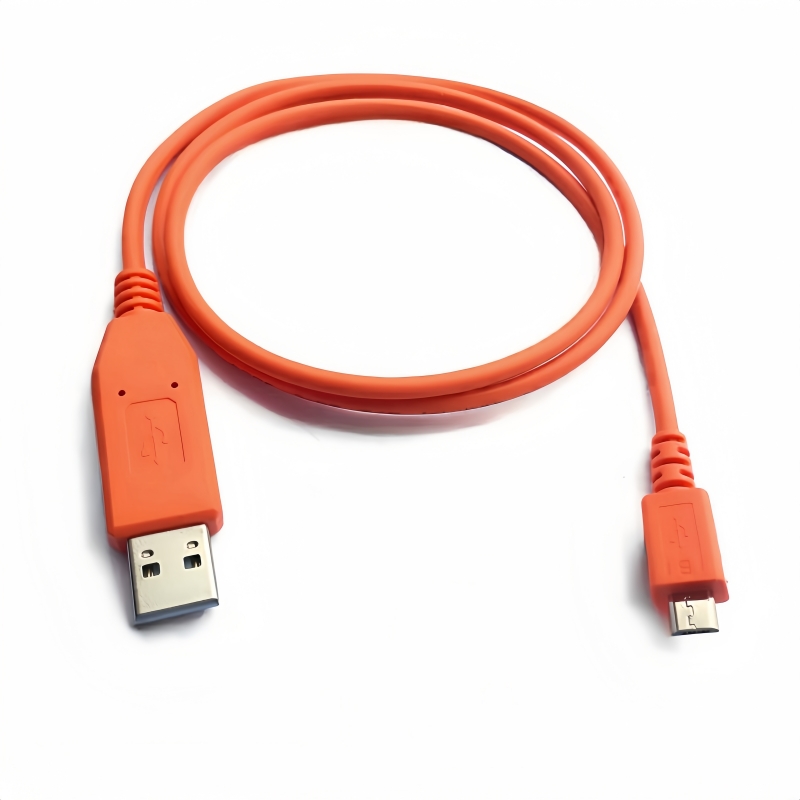
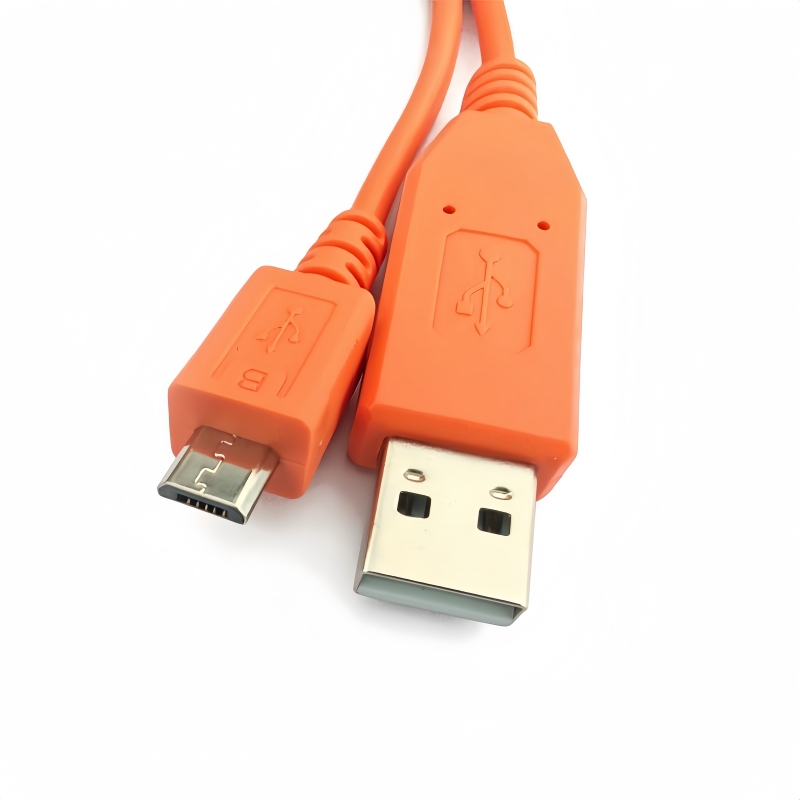
Elevate your setup with the Orange 3.3v TTL Micro-USB HPE Aruba AP console cable - the ultimate sidekick for effortless Aruba Access Point upgrades! Say goodbye to tech troubles!(Scroll down to view the user guide)
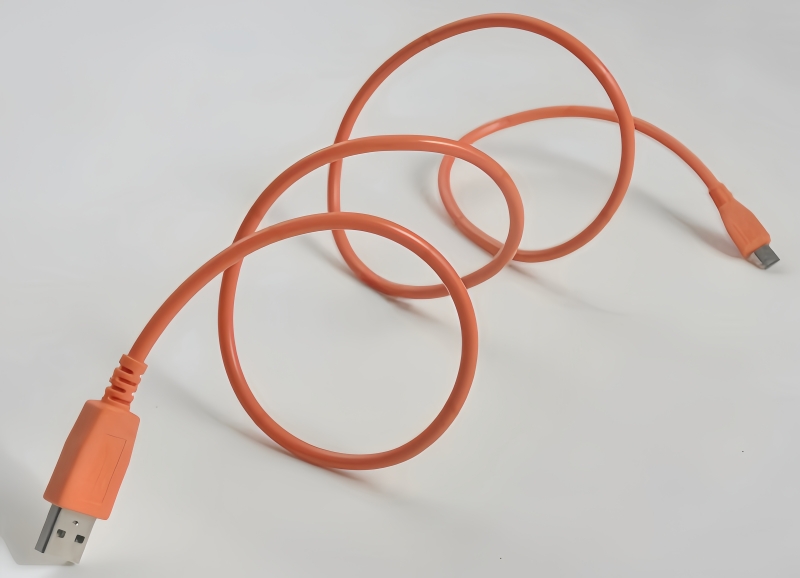
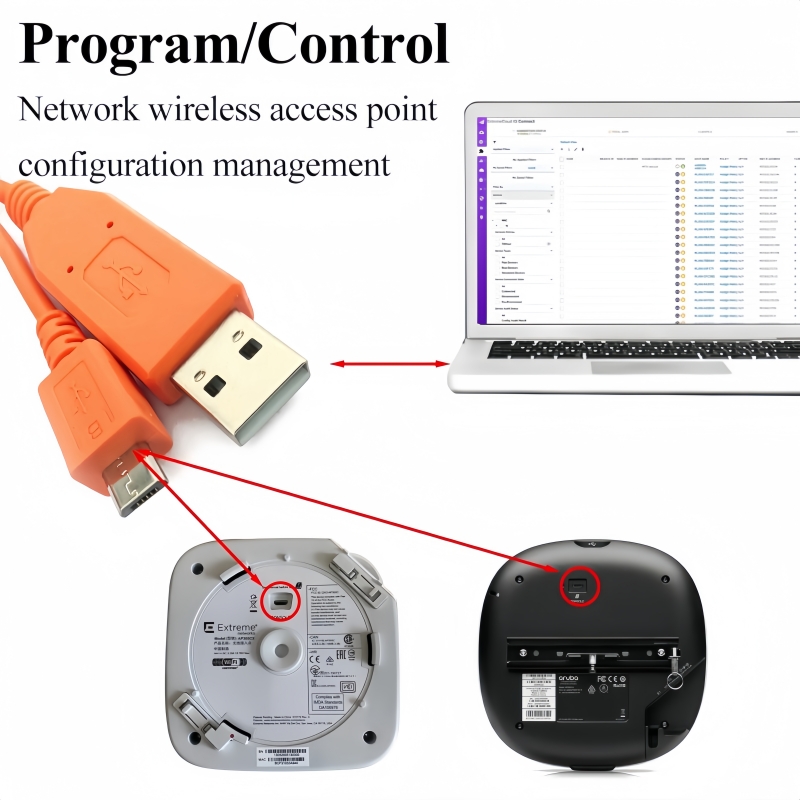
The Aruba AP Console Cable is a high-quality 3.3V TTL serial console cable designed for seamless connectivity to select indoor Aruba Access Points (APs). Engineered as a cost-effective alternative to original Aruba cables, this cable ensures reliable communication for configuration, diagnostics, and firmware updates. It features a Type-A USB Male to Micro-B Male connectors with a TX/RX cross-wired design to match Aruba AP console port requirements.
Key Features
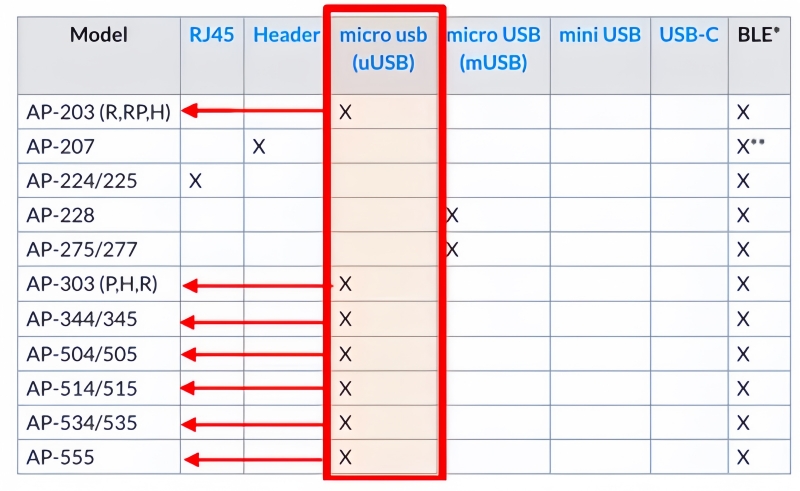
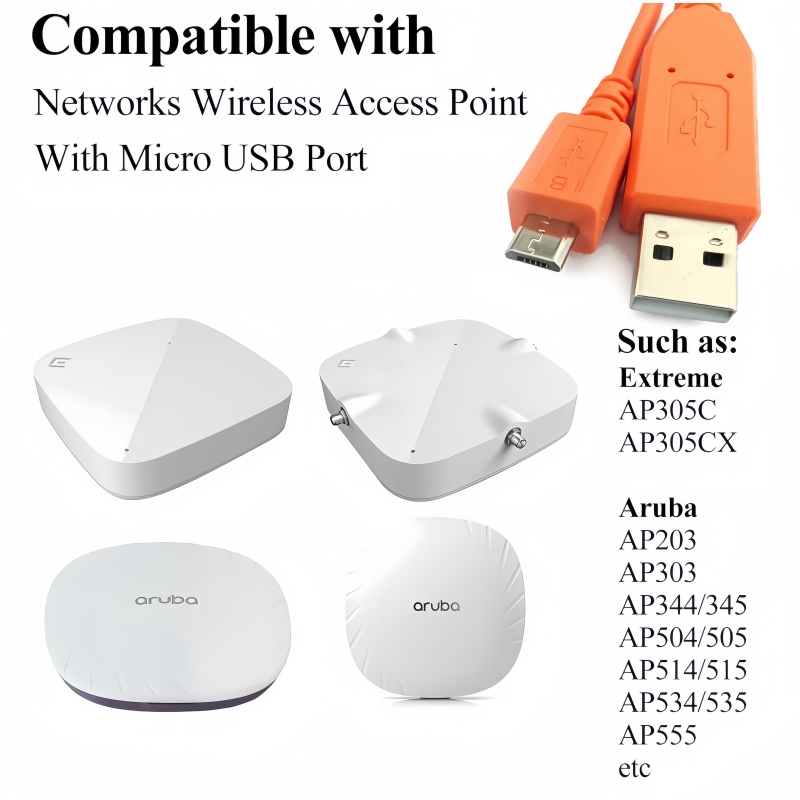
- Compatibility: Specifically designed for indoor Aruba Access Points including AP203, AP303, AP344, AP345, AP514, AP515, and AP555 models.
- Note: Not compatible with outdoor Aruba APs.
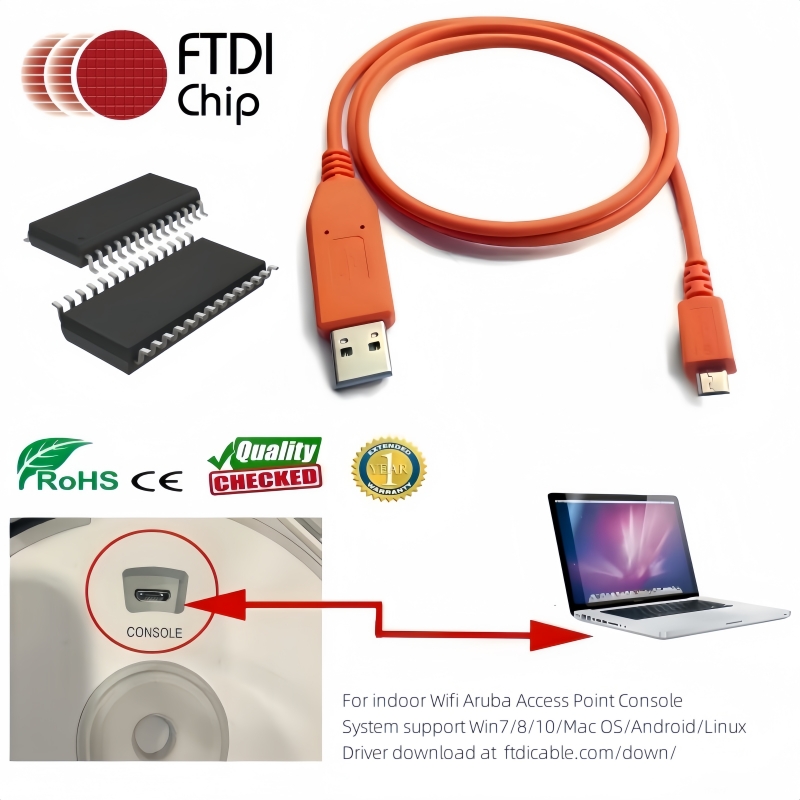
- High-Speed Connectivity: Built with the FTDI FT230x USB-to-UART chipset for stable, high-speed serial communication (TTL 3.3V logic level).
- Durable Construction: 6ft (1.8m) shielded cable ensures flexibility and longevity for indoor use.
- Cross-Wired Pins:
- PC (Type-A USB male to micro USB male) TX → AP (micro female) RX
- PC (Type-A USB male to micro USB male) RX → AP (micro female) TX
- Plug-and-Play: Driver-free installation on most operating systems (Windows, Linux, macOS) via FTDI Virtual COM Port (VCP) support.
Applications
- Access Point configuration, troubleshooting, and firmware upgrades.
- Direct serial console access for CLI (Command Line Interface) management.
Technical Specifications
- Chipset: FTDI FT230RQ USB-to-UART IC
- Voltage: 3.3V TTL logic level
- Connector: Type-A USB Male (PC) to Micro-B USB Male (AP)
- Cable Length: 6ft / 1.8 meters
- Supported OS: Windows 7/8/10/11, Linux, macOS
Important Notes
- This is a third-party compatible cable, not an official Aruba Networks product.
- Ensure proper TX/RX pin alignment to avoid communication errors.
Step 1: Gather the necessary items and check compatibility
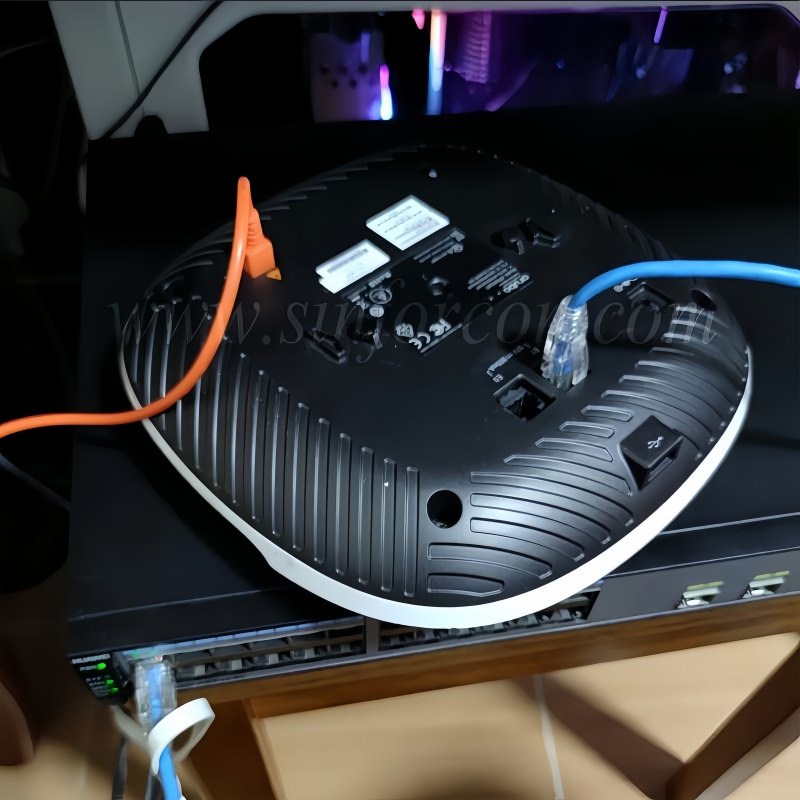
Step 2: Connect the cable
Step 3: Configure the terminal software on your computer
Step 4: Establish the connection and start configuration
Step 5: Refer to the official documentation
Relevant Keywords# - Aruba compatible console cable - AP-CBL-SERU JY-728A replacement - FT230R USB to UART cable - 3.3V TTL serial cable for Aruba APs - Micro USB console cable for AP203/AP303/AP514 - Indoor Aruba Access Point serial adapter - Cross-wired TX/RX serial cable - FTDI chipset serial console cable - Aruba AP configuration cable - Non-original Aruba console cable