
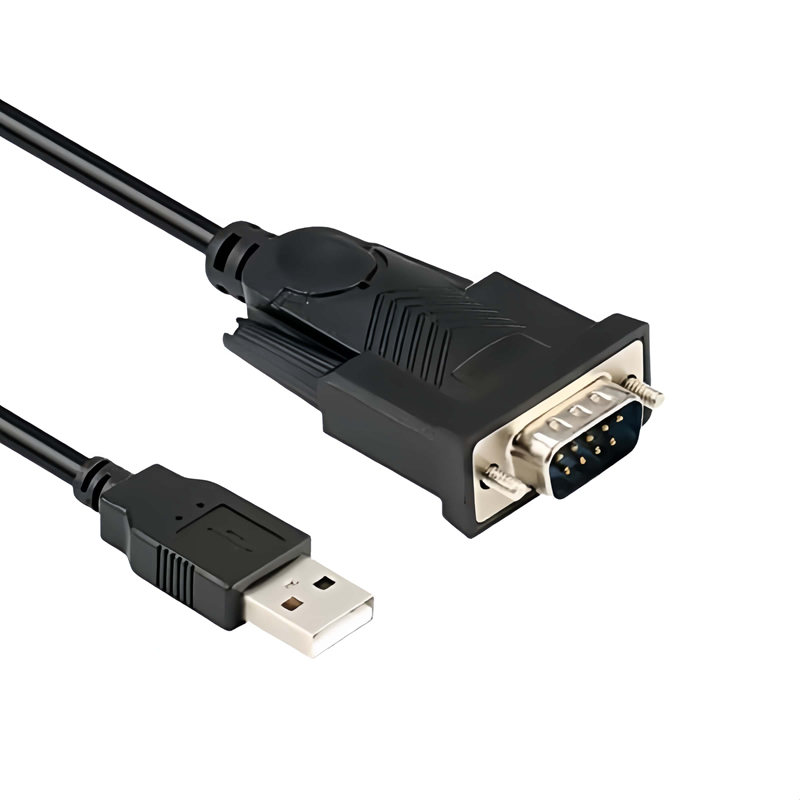
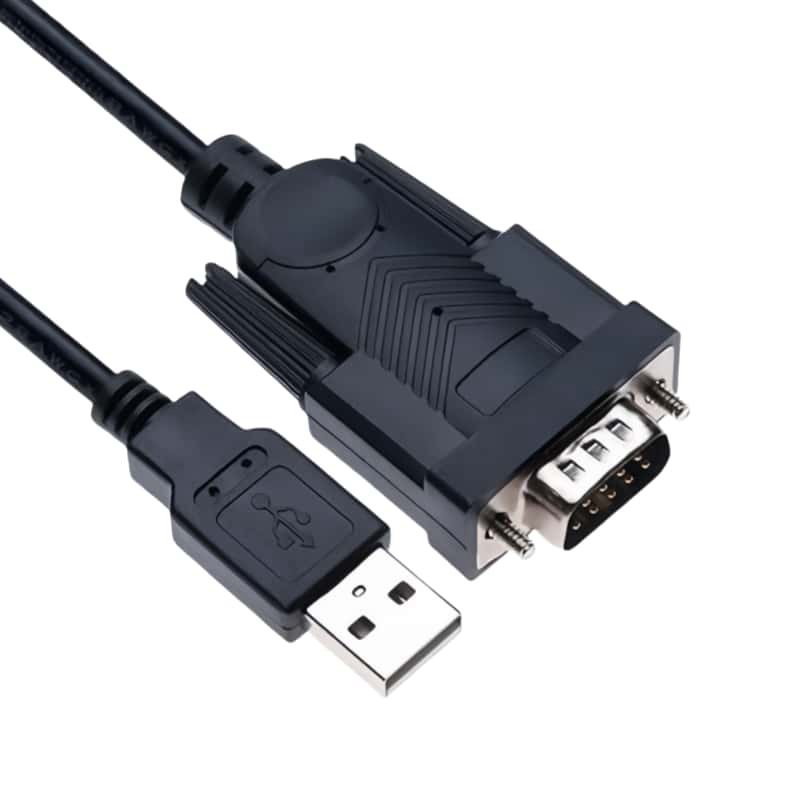
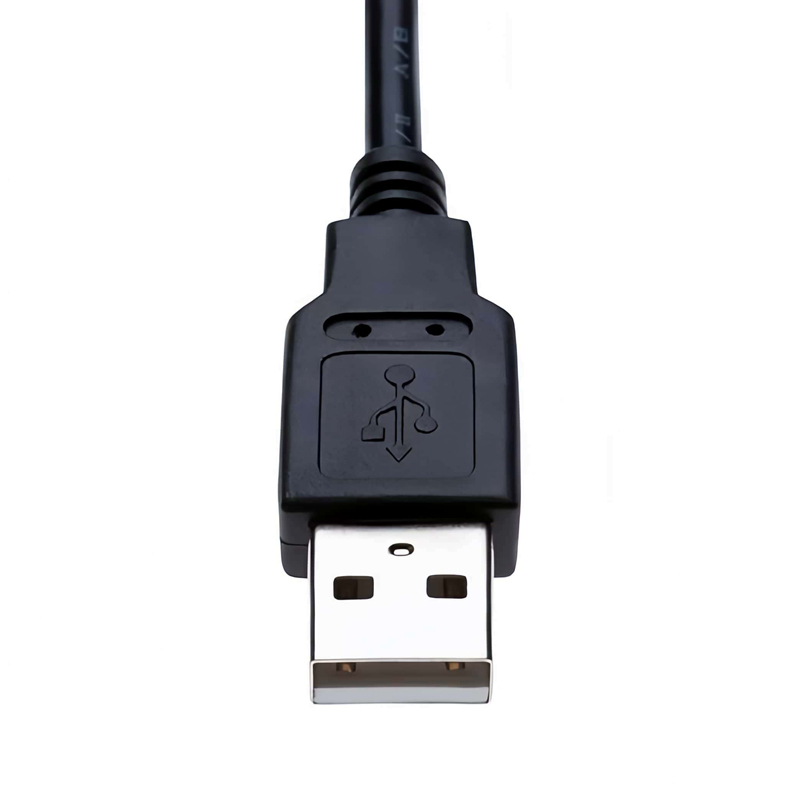
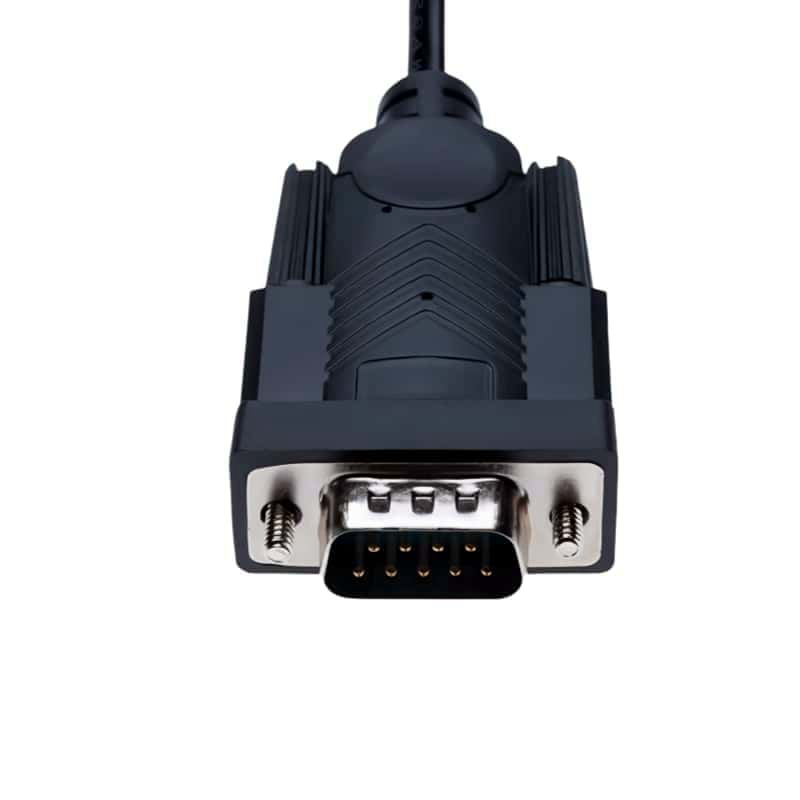
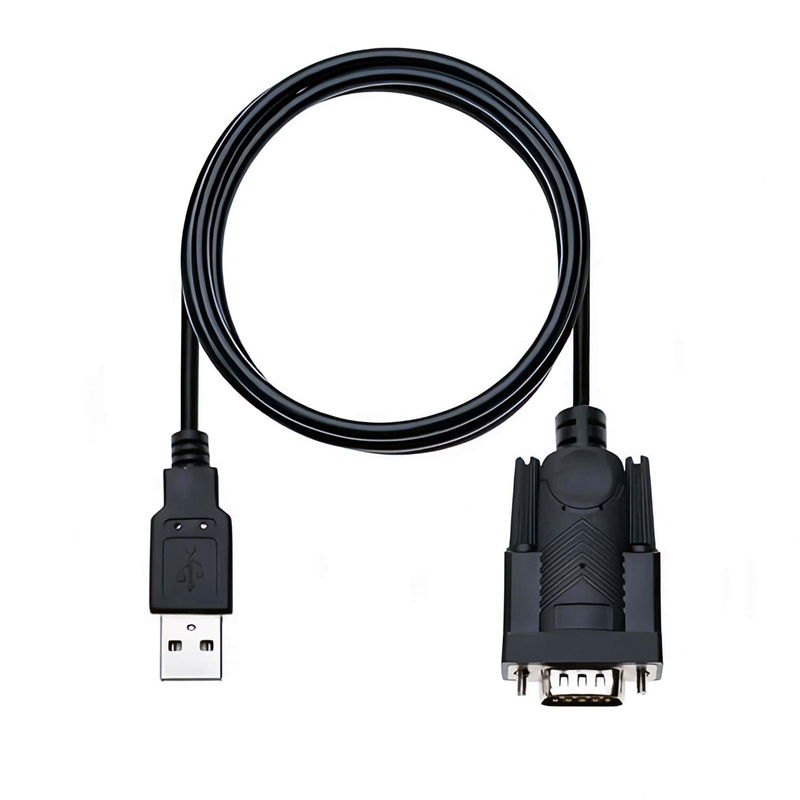
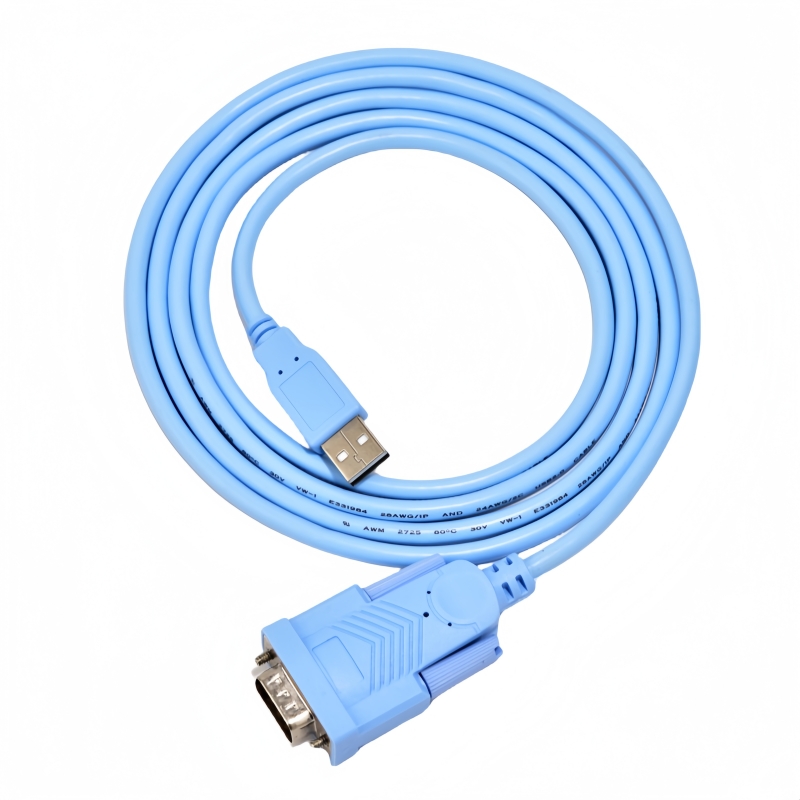
Enhance your connectivity with the PL2303 USB to RS232 Serial Adapter.Features Prolific PL2303GC chipset for smooth integration.Stay effortlessly connected across Windows, Mac, Linux,Android,and more.(Scroll down to see user guide)
In a world where technology is constantly evolving, the coexistence of modern USB - enabled devices and legacy RS232 serial equipment presents a significant challenge. The Prolific PL2303GC USB to RS232 Serial DB9 Male Adapter Cable is the ultimate solution, offering seamless connectivity and reliable performance across diverse applications.
Product Overview
This adapter cable is engineered to connect modern computers with USB ports to a wide range of legacy RS232 serial devices. It combines a durable 6 - foot cable with the industry - trusted Prolific PL2303GC chipset, ensuring stable data transmission in industrial, commercial, and personal computing environments.
Key Features
1. High - Performance Chipset
The Prolific PL2303GC chipset is the core of this adapter cable. It is an industry - standard component that guarantees broad compatibility with various operating systems and devices. This chipset enables seamless communication between USB and RS232 interfaces, providing a stable and efficient data transfer experience.
2. Flexible Connectivity
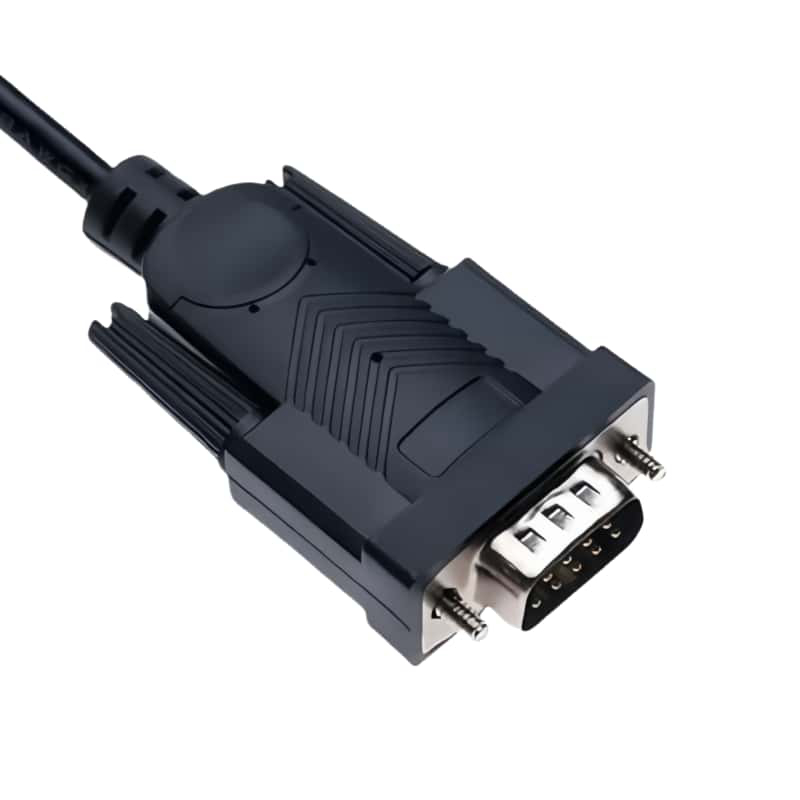
- USB to RS232 Conversion: The cable effortlessly bridges the gap between USB ports and RS232 serial devices, using a DB9 male connector. This allows users to connect modern computers to legacy equipment such as serial printers, PLCs, CNC machines, and POS systems.
- 6 - Foot Heavy - Duty Cable: With a length of 6 feet (1.8 meters), the cable offers flexibility in device placement. It is suitable for use in racks, workstations, and industrial machinery, allowing for convenient setup and operation.
3. Wide - Range Compatibility
- Multi - OS Support: The adapter cable supports a wide range of operating systems, including Windows 11/10/8.1/7/XP, macOS (driver required for versions 10.6+), Linux Kernel 2.6.3+ (built - in driver), and Android (OTG support required). It offers plug - and - play installation, although drivers may be needed depending on the operating system.
- Standard DB9 Connector: The DB9 male connector has a standard RS232 pinout, ensuring compatibility with a vast array of serial devices. It is designed to work with networking devices, scientific instruments, medical devices, GPS systems, and automotive diagnostic tools.
4. Data Transfer Capability
The cable supports a baud rate of up to 115200 bps, enabling smooth and fast data transfer. This high - speed capability is essential for applications that require real - time data exchange, such as industrial control systems and networking equipment.
5. Environmental and Quality Compliance
The adapter cable is constructed with environmentally friendly materials and complies with various international standards, including UL, RoHS, REACH, FCC, and CE. This not only ensures the safety and reliability of the product but also reflects the manufacturer's commitment to environmental sustainability.
Technical Specifications
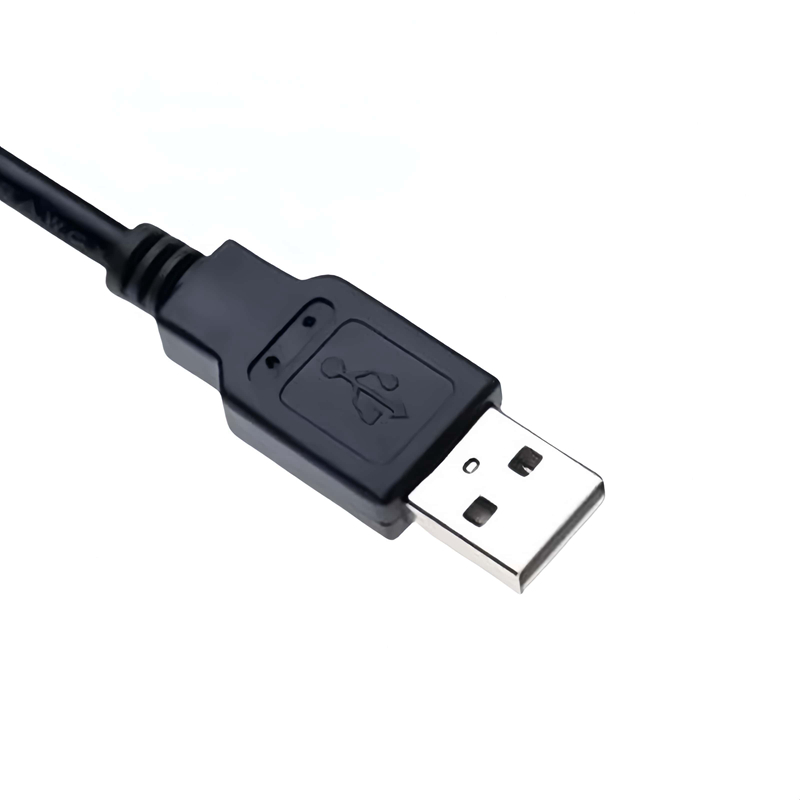
- Interface: USB 2.0 (Type - A male) to RS232 DB9 male
- Cable Length: 6 feet (1.8 meters)
- Chipset: Prolific PL2303GC
- Supported OS: Windows (XP - 11), macOS (10.6+), Linux (Kernel 2.6.3+), Android (OTG support)
- Operating Voltage: 3.3V (USB - powered, no external power needed)
- Certifications: FCC, CE, RoHS
Applications
- Industrial Equipment: Ideal for connecting legacy industrial equipment such as PLCs and CNC machines to modern computers for monitoring and control.
- Commercial Devices: Suitable for use with POS terminals, barcode scanners, and receipt printers in commercial settings.
- Networking: Connects routers and switches with console ports to computers for configuration and management.
- Scientific and Medical: Enables communication between scientific instruments, medical devices, and computers for data collection and analysis.
- Automotive: Used with automotive diagnostic tools to interface with vehicles' onboard systems.
Package Includes
- 1x USB to RS232 DB9 Male Adapter Cable (6ft)
- Driver download instructions (online support)
Warranty and Support
The adapter cable comes with a 12 - month manufacturer warranty. Technical assistance and driver downloads are available via Prolific’s official website, ensuring that users can get the support they need to keep the product functioning optimally.
Usage Notes
- Driver Installation: Proper driver installation is crucial for optimal performance. Users should follow the provided instructions carefully.
- Direct Connection: It is recommended to connect the cable directly to the host device rather than using a USB hub to ensure stable data transmission.
In summary, the Prolific PL2303GC USB to RS232 Serial DB9 Male Adapter Cable is a reliable, versatile, and high - performance solution for connecting modern USB - enabled devices to legacy RS232 serial equipment. Its wide range of features, compatibility, and support make it an ideal choice for various applications.
How to use the Prolific PL2303GC USB to RS232 Serial DB9 Male Adapter Cable:
1. Prerequisites
- Check Compatibility:
- Ensure that your modern device (such as a laptop or desktop computer) has a USB port. The cable uses a USB 2.0 Type - A male connector, so your device should support this type of connection.
- Confirm that the legacy RS232 device you want to connect (e.g., a serial printer, PLC, or CNC machine) has a DB9 female port that is compatible with the DB9 male connector on the cable.
- Check the operating system of your computer. The cable supports Windows 11/10/8.1/7/XP, macOS (driver required for versions 10.6+), Linux Kernel 2.6.3+ (built - in driver), and Android (OTG support required).
- Driver Installation:
- Windows:
- If it's the first time using the cable, Windows may automatically detect the device and try to install the appropriate drivers. However, it's recommended to visit the Prolific official website and download the latest drivers for the PL2303GC chipset. After downloading, run the installer and follow the on - screen instructions.
- macOS: For macOS versions 10.6 and above, you need to download and install the Prolific drivers from the official website. Once downloaded, double - click the installer package and follow the prompts to complete the installation.
- Linux: Most Linux distributions with a kernel version of 2.6.3 or higher have built - in drivers for the Prolific PL2303GC. You can check if the driver is loaded by running the command
lsmod | grep pl2303in the terminal. If it's not loaded, you may need to install additional drivers or update your kernel. - Android: Make sure your Android device has OTG (On - The - Go) support. You may need to install a third - party serial terminal app from the Google Play Store that is compatible with the Prolific chipset.
- Windows:
2. Physical Connection
- Connect to the Computer: Plug the USB 2.0 Type - A male connector of the adapter cable into an available USB port on your computer.
- Connect to the RS232 Device: Connect the DB9 male connector of the cable to the DB9 female port on the legacy RS232 device. Ensure that the connection is secure and the pins are properly aligned.
3. Software Configuration
- Open Serial Communication Software:
- Windows: You can use software like PuTTY, Tera Term, or RealTerm. Install the software if you haven't already.
- macOS: CoolTerm or the built - in
screencommand in the terminal can be used. - Linux: Minicom or
screenare common choices for serial communication. - Android: Open the serial terminal app you installed earlier.
- Configure Serial Settings:
- Baud Rate: Set the baud rate in the serial communication software to match the baud rate of the legacy RS232 device. The Prolific PL2303GC adapter cable supports a baud rate of up to 115200 bps.
- Data Bits, Parity, and Stop Bits: Configure these parameters according to the requirements of the legacy device. Common settings are 8 data bits, no parity, and 1 stop bit.
- Select the COM Port (Windows) or Device File (macOS/Linux/Android):
- Windows: In the serial communication software, select the appropriate COM port that the adapter cable is assigned to. You can find the COM port number in the Device Manager under "Ports (COM & LPT)".
- macOS: The device file is usually something like
/dev/tty.usbserial - <serial_number>. You can find it in the Terminal by running the commandls /dev/tty.*. - Linux: The device file is typically
/dev/ttyUSB0or similar. You can check the available serial devices using the commandls /dev/ttyUSB*. - Android: In the serial terminal app, select the appropriate device that corresponds to the Prolific adapter.
4. Testing the Connection
- Send and Receive Data:
- Once the settings are configured correctly, you can start sending and receiving data between the modern computer and the legacy RS232 device. In the serial communication software, type text or commands to send data to the legacy device, and any data received from the device will be displayed in the software's terminal window.
- Troubleshooting:
- If you encounter issues such as no data transfer or incorrect data display, double - check the physical connections, the serial settings in the software, and the driver installation. Make sure that the legacy device is powered on and functioning properly.
5. Precautions
- Direct Connection: As recommended, connect the cable directly to the host device rather than using a USB hub. USB hubs can sometimes cause power or communication issues, which may affect the performance of the adapter cable.
- Driver Updates: Regularly check the Prolific official website for driver updates to ensure optimal performance and compatibility with your operating system.