
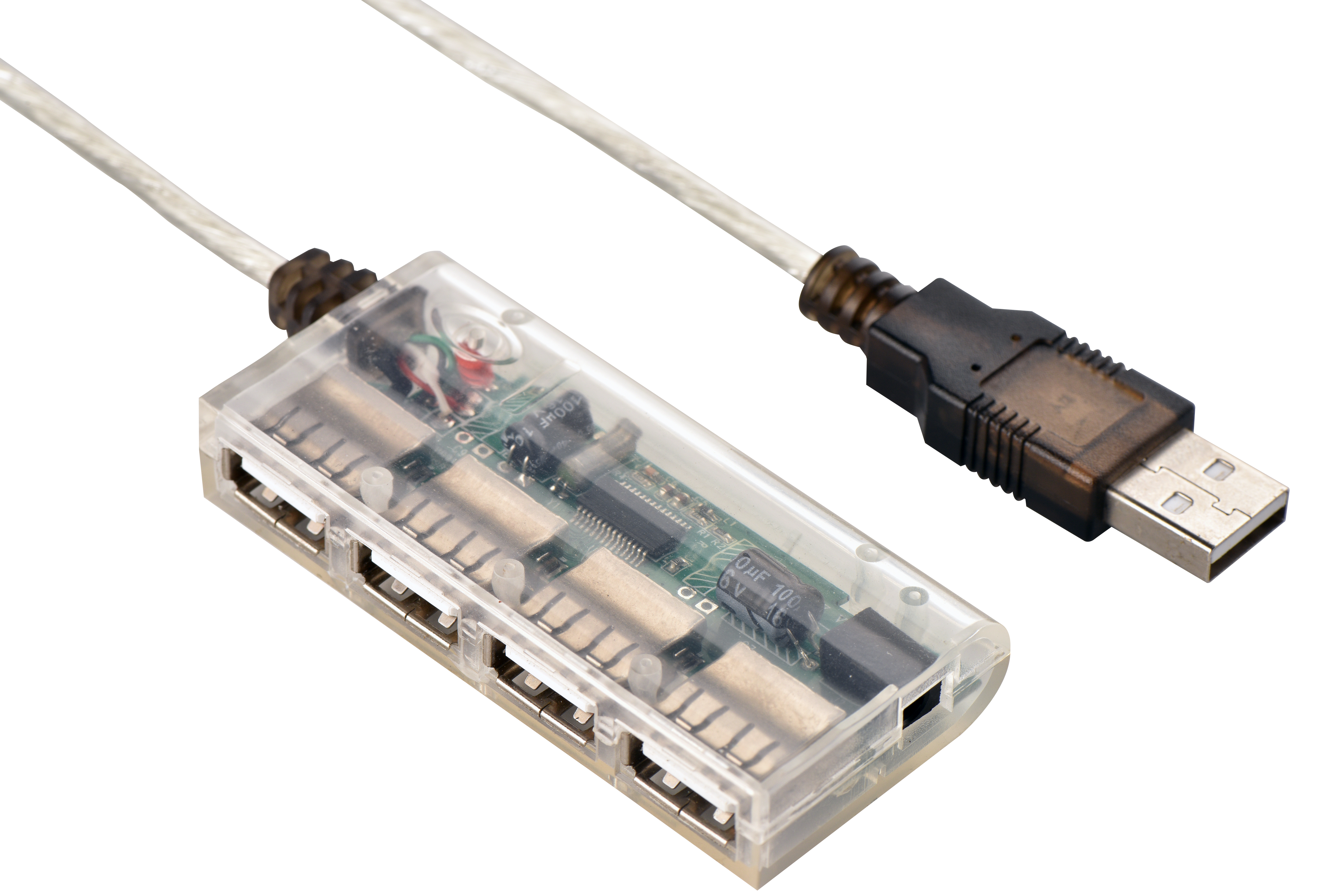
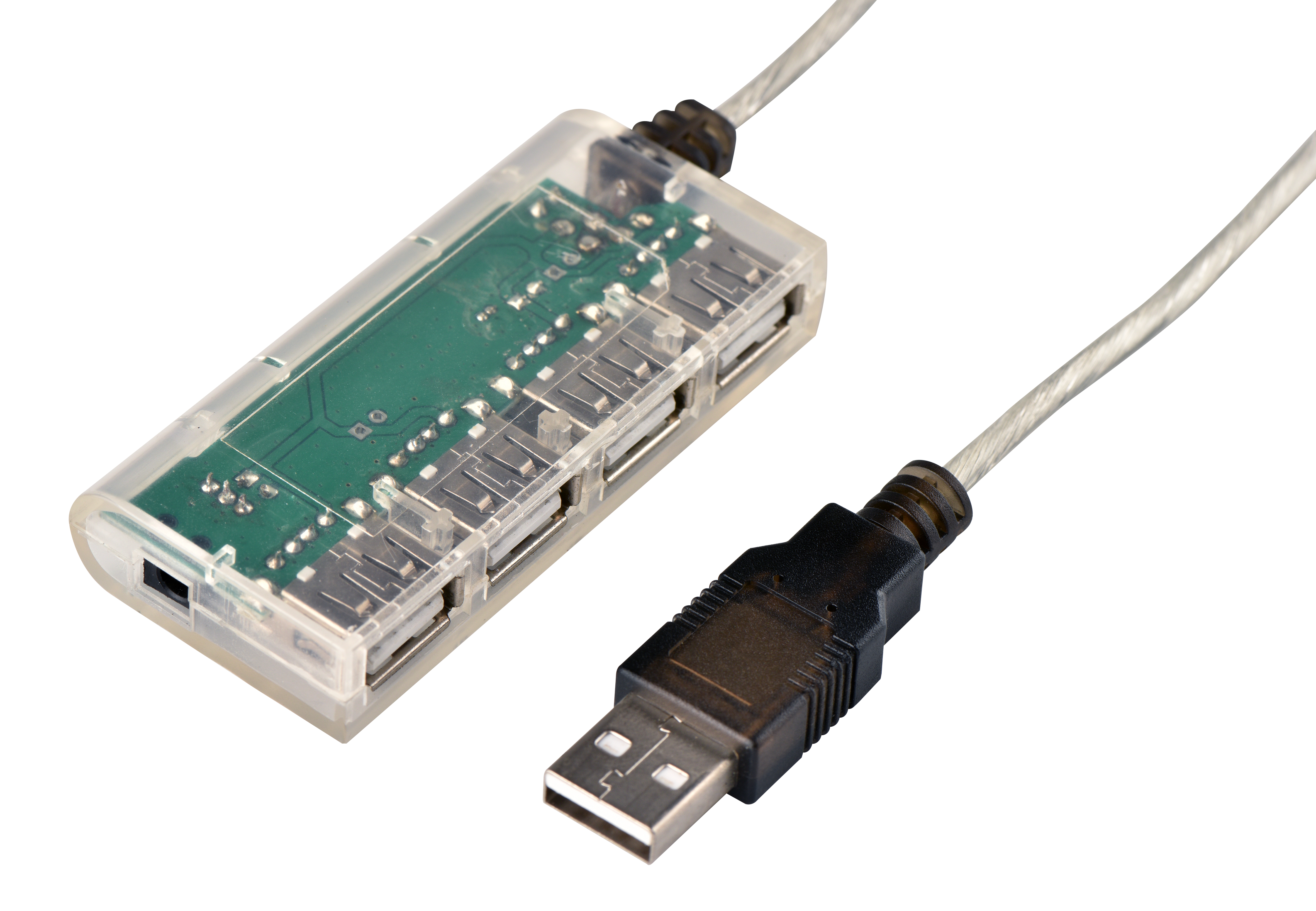
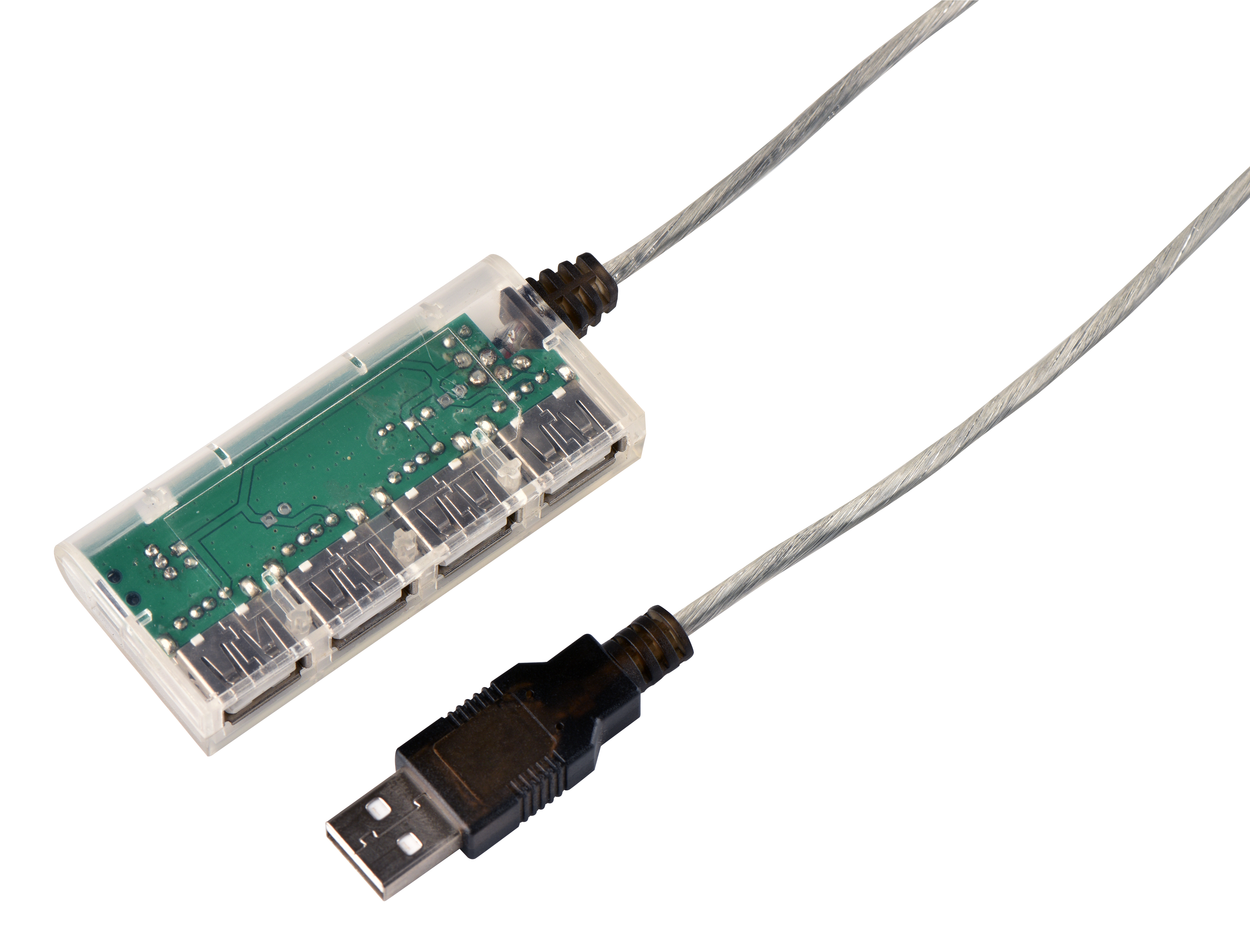
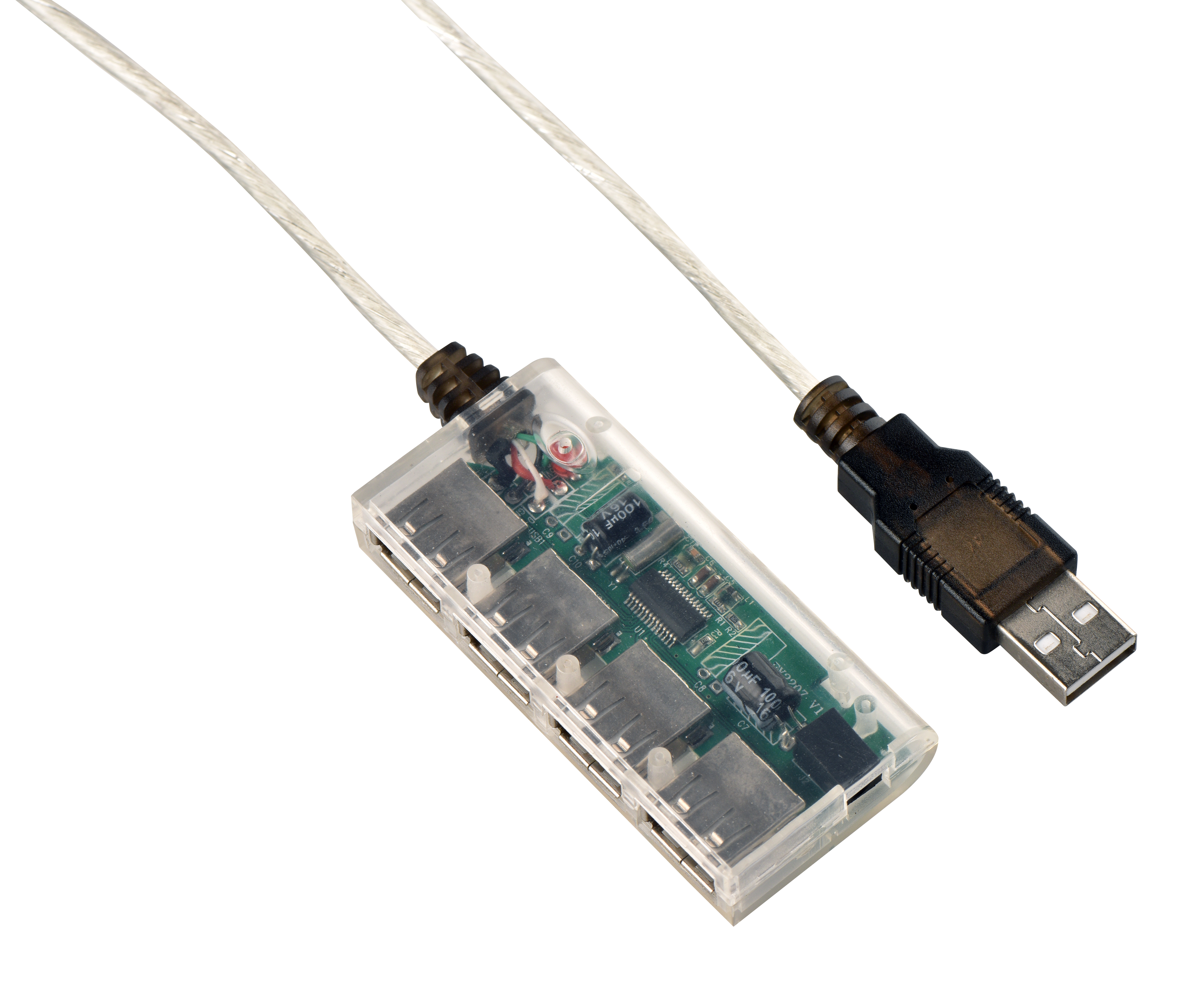
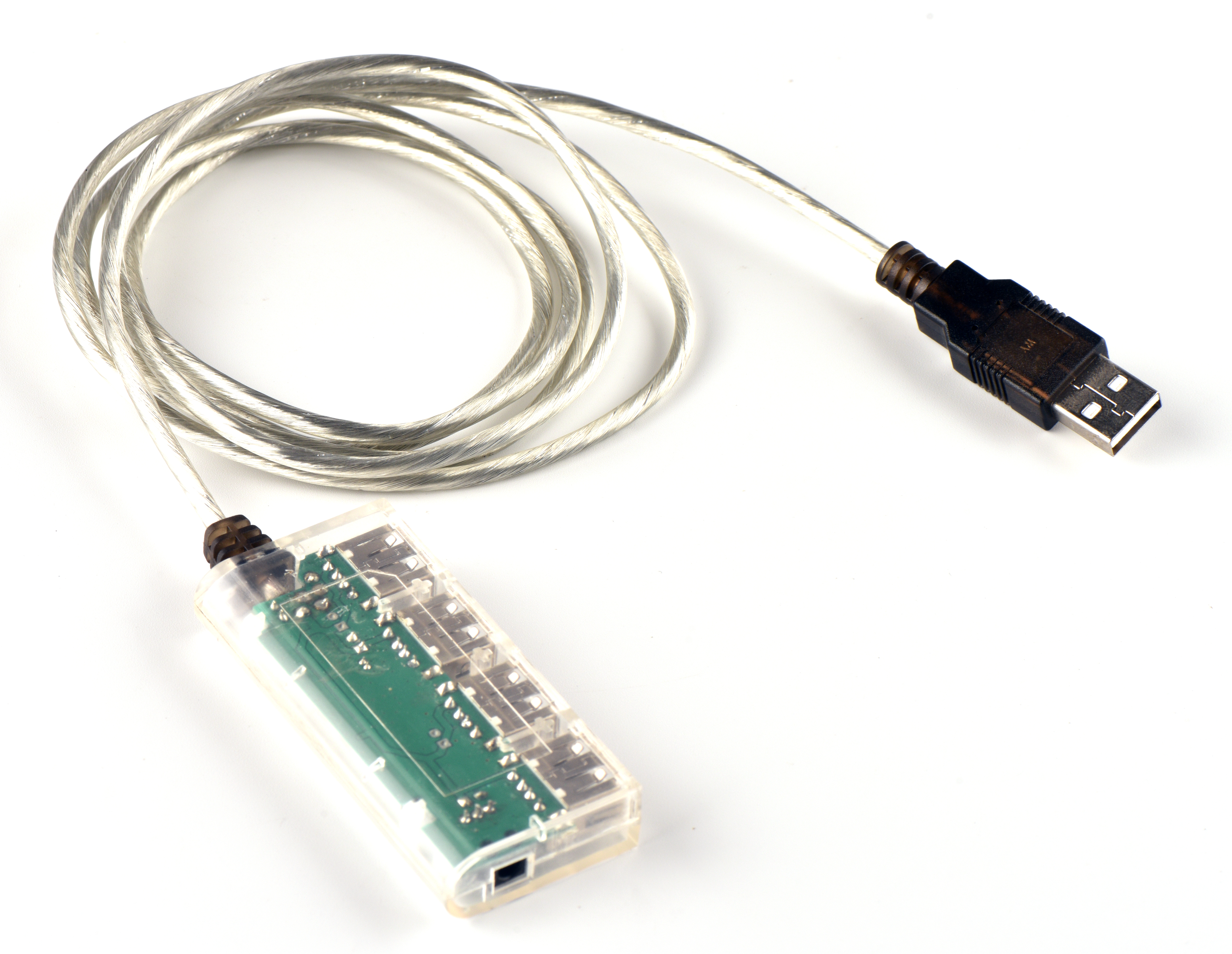
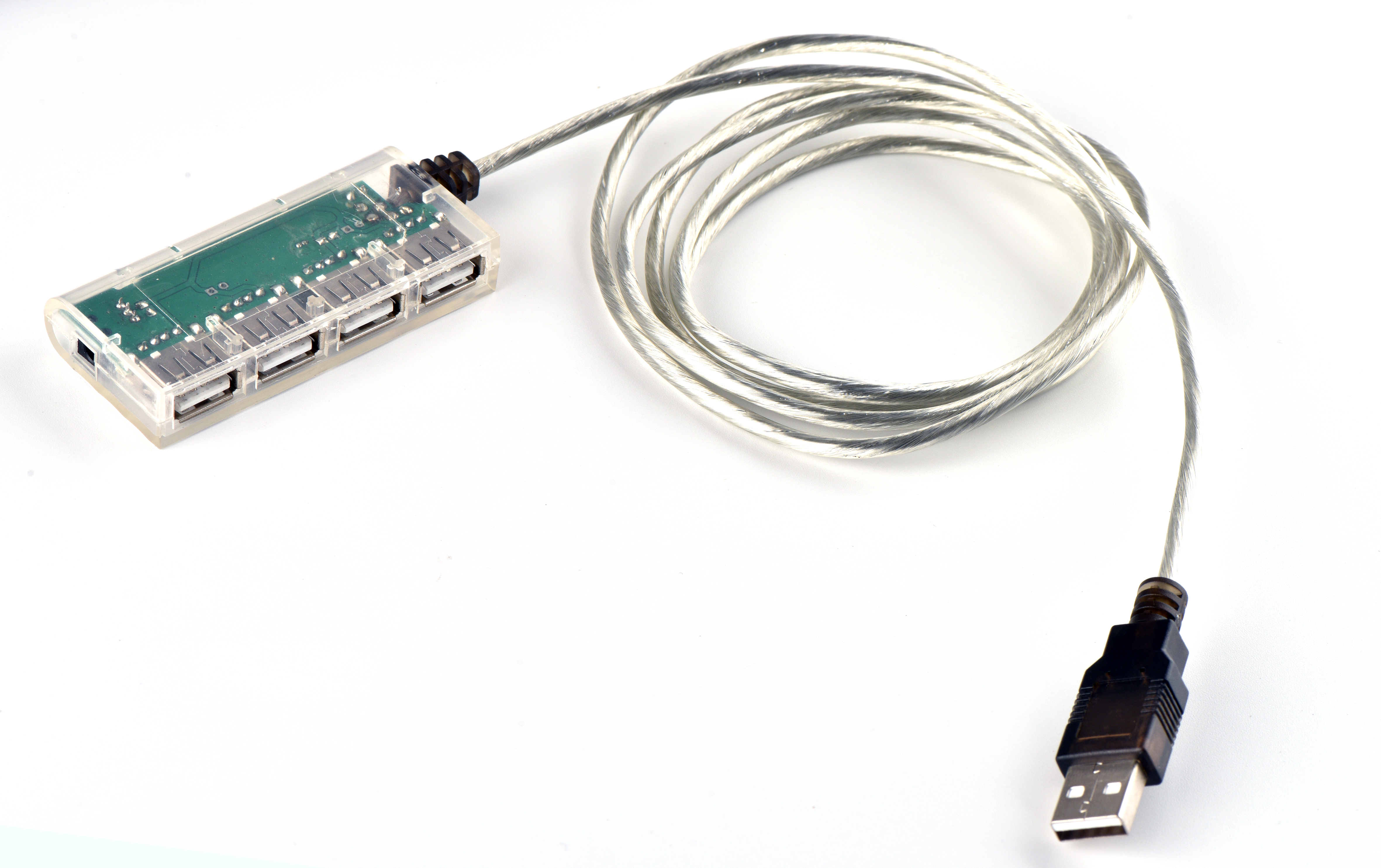
Enhance your USB connectivity with the Portable 4 in 1 USB Hub USB-A to 4 Port USB Hub! Experience seamless power and data conversion with this versatile and transparent hub.Upgrade your setup today.
Transparent 4-in-1 USB Hub | USB-A to 4-Port USB 2.0 Hub with Power Supply-Expand Your Connectivity with Style and Performance
The transparent 4-in-1 USB Hub bridges USB Type-A ports with four USB 2.0 female sockets, delivering seamless data transfer and charging for multiple devices. Ideal for home, office, or on-the-go use, this hub combines functionality with sleek aesthetics.
Core Features
- 4-Port Expansion: Convert one USB-A port into four, supporting simultaneous data sync and charging.
- Dual Power Modes:
- USB-Powered: Draw power from the host device (5V 1A total).
- DC Power Supply: Connect an optional adapter (sold separately) for stable power to all ports.
- USB 2.0 Speed: Transfer data at up to 480Mbps for fast file sharing.
- Shielded Cable: 5ft clear cable with EMI shielding ensures signal integrity.
- Transparent Design: Modern, minimalist look blends with any workspace.
Technical Specifications
| Specification | Details |
|---|---|
| Interface | USB 2.0 Type-A Male to 4 × USB 2.0 Female |
| Power | 5V 1A (total) via USB; DC power port (5V 2A max) |
| Data Rate | 480Mbps (Hi-Speed USB 2.0) |
| Cable Length | 5ft (1.5m) with shielding |
| Dimensions | 8cm × 5cm × 2cm (hub); 1.5m cable |
| Certifications | CE, FCC, RoHS |
Applications
- Laptop/Desktop Expansion: Add ports for mice, keyboards, printers, and external drives.
- Mobile Device Charging: Charge smartphones, tablets, or wearables simultaneously.
- Office Use: Connect multiple peripherals to a single PC.
- Entertainment: Sync game controllers, cameras, or audio devices.
- Portability: Compact size and lightweight design for easy travel.
- Stability: Shielded cable reduces interference; DC power option prevents voltage drops.
- Wide Compatibility: Works with Windows, macOS, Linux, and ChromeOS.
Upgrade Your USB Experience
With its transparent finish and robust performance, the 4-in-1 USB Hub combines practicality with modern style. Perfect for professionals, gamers, and tech enthusiasts.
With its transparent finish and robust performance, the 4-in-1 USB Hub combines practicality with modern style. Perfect for professionals, gamers, and tech enthusiasts.
How to Use the Transparent 4-in-1 USB Hub
Step 1: Connect the Hub
- USB-A Male End: Plug the USB Type-A connector into your laptop, desktop, or any USB-enabled device.
- DC Power Port (Optional):
- For high-power devices (e.g., external hard drives, multiple smartphones), connect a 5V 2A DC adapter (not included) to the hub’s power port.
- Ensure the adapter is rated for 5V 2A to avoid overloading.
Step 2: Connect Devices
- USB Ports: Plug your devices (e.g., mice, keyboards, phones, flash drives) into the four USB 2.0 female sockets.
- Charging:
- Use the hub to charge devices (5V 1A per port when powered via USB; 5V 2A per port with DC power).
- Note: Total power output is 5V 1A via USB alone; DC power unlocks full 5V 2A per port.
Step 3: Verify Functionality
- Data Transfer:
- Files should sync automatically. For large transfers, ensure your host device supports USB 2.0 speeds (480Mbps).
- Charging:
- Devices will begin charging immediately. LED indicators (if present) will show active ports.
Step 4: OS Compatibility & Drivers
- Plug-and-Play:
- Windows, macOS, Linux, and ChromeOS recognize the hub automatically—no drivers needed.
- Troubleshooting:
- If devices aren’t detected, try:
- Restarting your computer.
- Using a different USB port.
- Updating your OS to the latest version.
- If devices aren’t detected, try:
Key Features at a Glance
| Feature | Function |
|---|---|
| DC Power Port | Ensures stable power for high-demand devices |
| Shielded Cable | Reduces EMI interference for reliable data |
| 4 USB 2.0 Ports | Supports data transfer and charging |
Troubleshooting Tips
- Devices Not Charging:
- Check the DC power adapter (if used) is correctly connected.
- Ensure your host device provides enough power (e.g., avoid connecting to low-power ports on tablets).
- Slow Data Transfer:
- Confirm your host device supports USB 2.0.
- Use the provided shielded cable for optimal performance.
Safety Notes
- Power Limits:
- Avoid exceeding the hub’s maximum power output (5V 2A with DC adapter; 5V 1A via USB alone).
- Heat Management:
- The hub may warm up during use—ensure proper ventilation.
Upgrade Your Connectivity
The transparent USB Hub simplifies multi-device charging and data syncing. Perfect for desks, travel, or anywhere you need extra USB ports.
The transparent USB Hub simplifies multi-device charging and data syncing. Perfect for desks, travel, or anywhere you need extra USB ports.
Keywords:4-in-1 USB Hub, USB 2.0 Hub, Transparent Design, 5ft Shielded Cable, DC Power Port, 5V 1A Charging, 480Mbps Data Transfer, Windows/Mac/Linux Compatibility, CE/FCC/RoHS Certified, Portable USB Hub, EMI-Resistant Cable,4-in-1 USB Hub Setup, DC Power Port Usage, USB 2.0 Data Transfer, Plug-and-Play Compatibility, Troubleshooting USB Hub, Windows/Mac/Linux Drivers, Shielded Cable Benefits, Charging Multiple Devices, CE/FCC/RoHS Compliance