
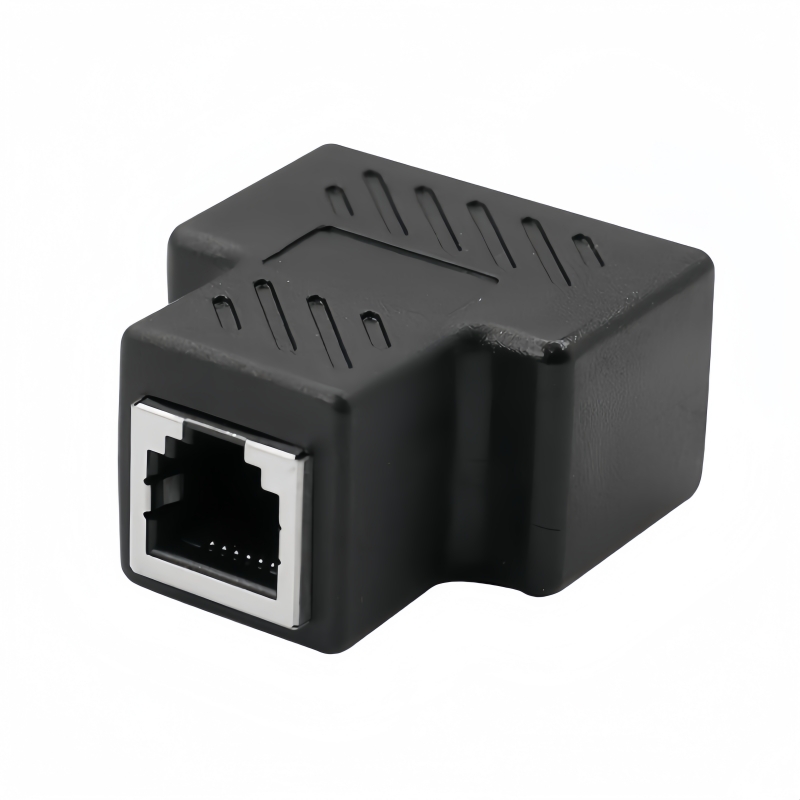
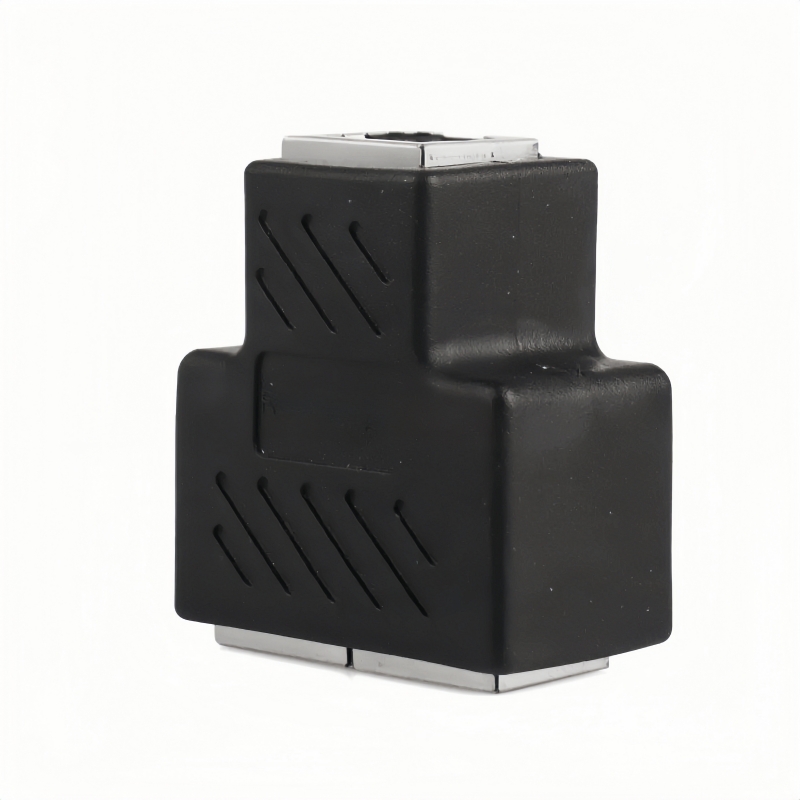
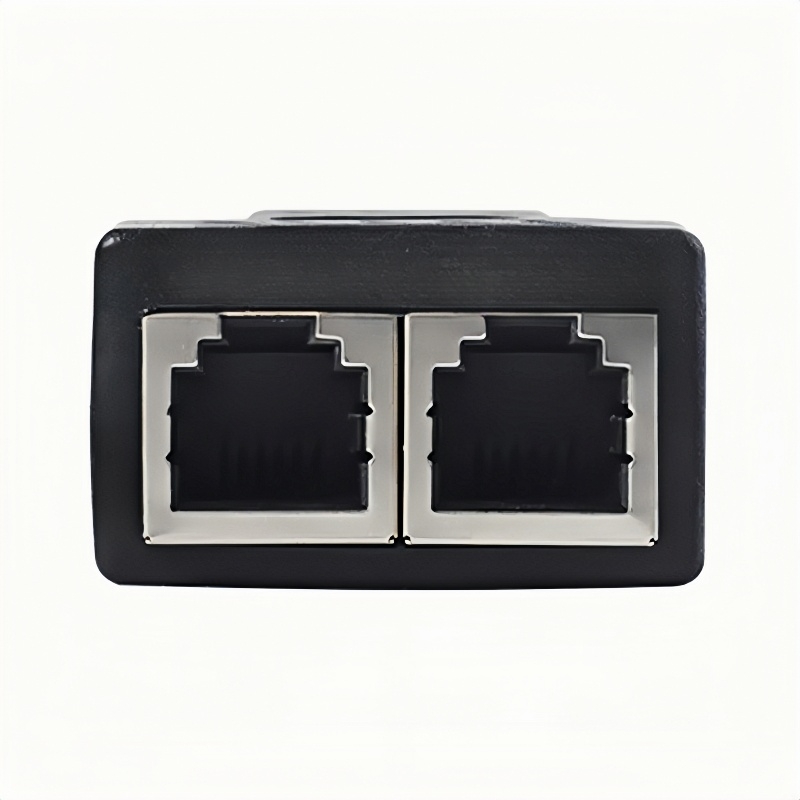
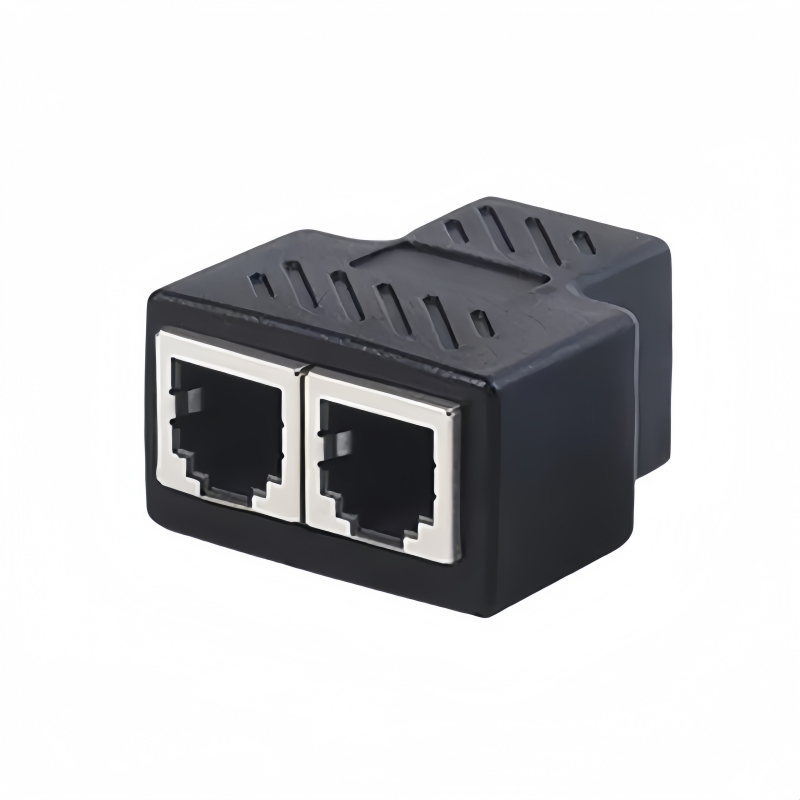
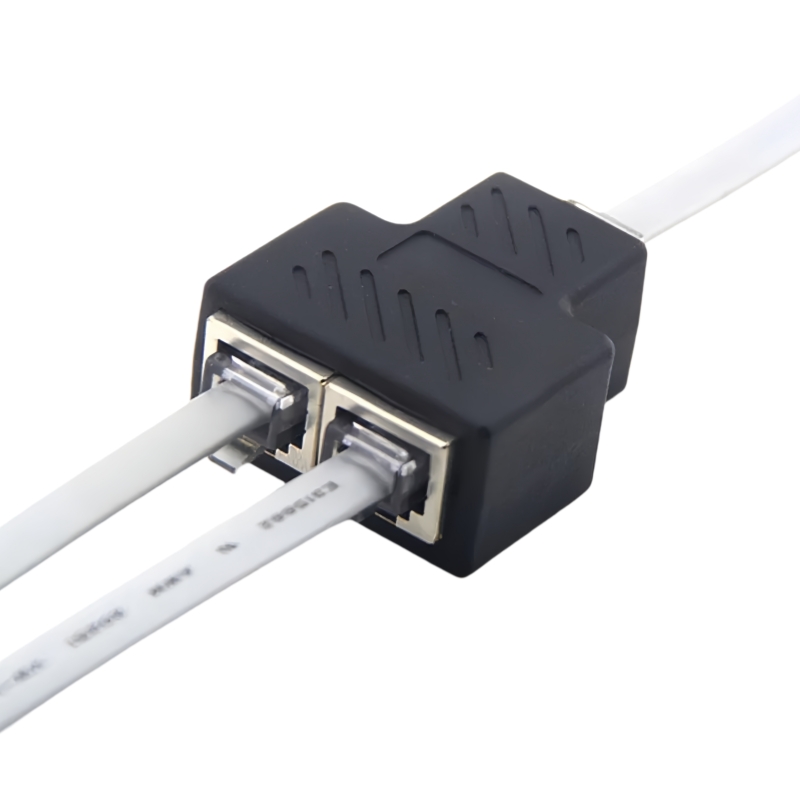
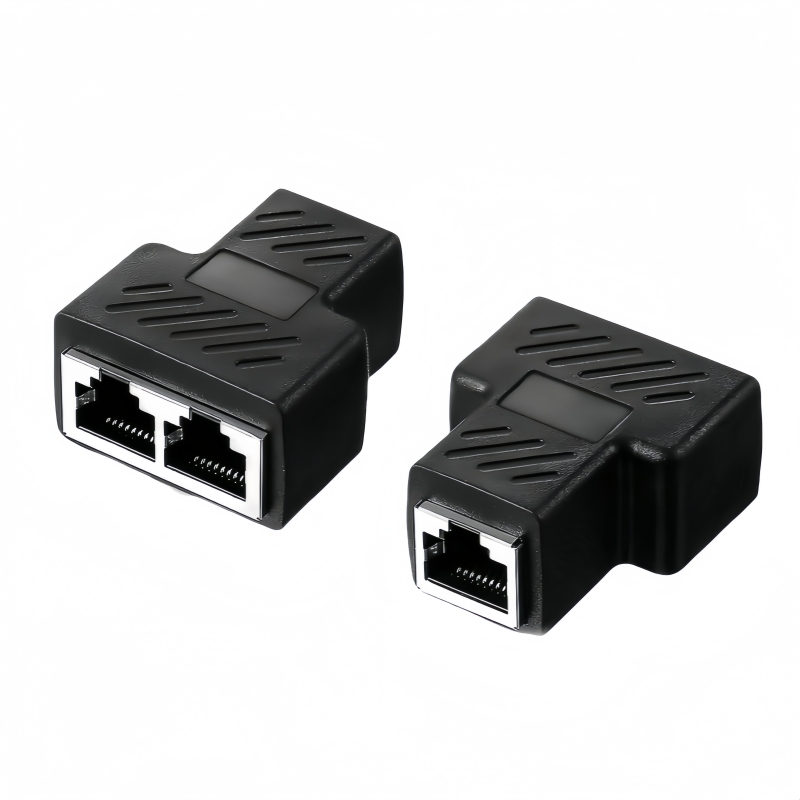
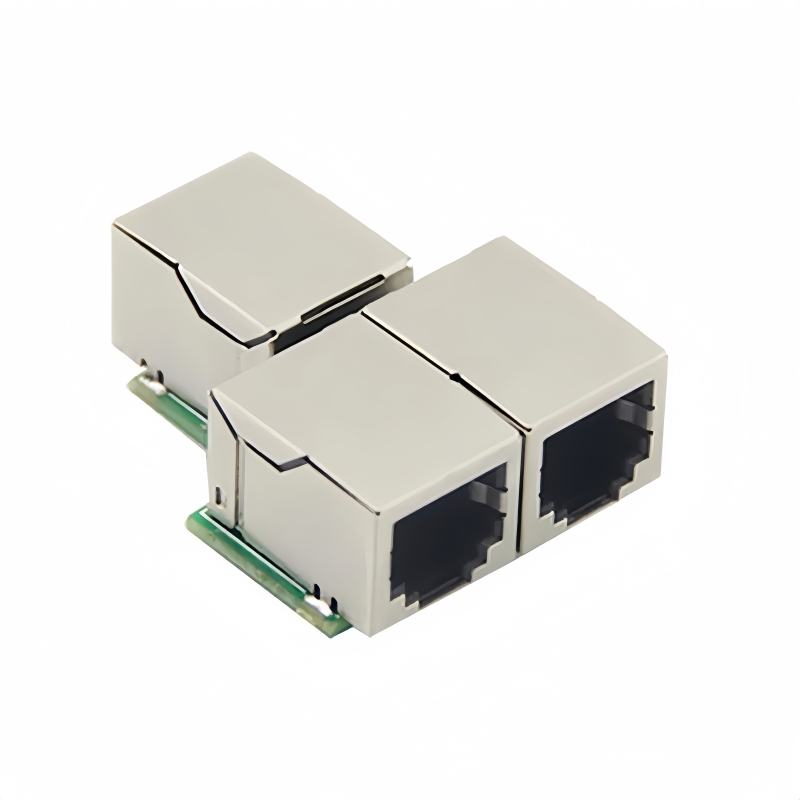
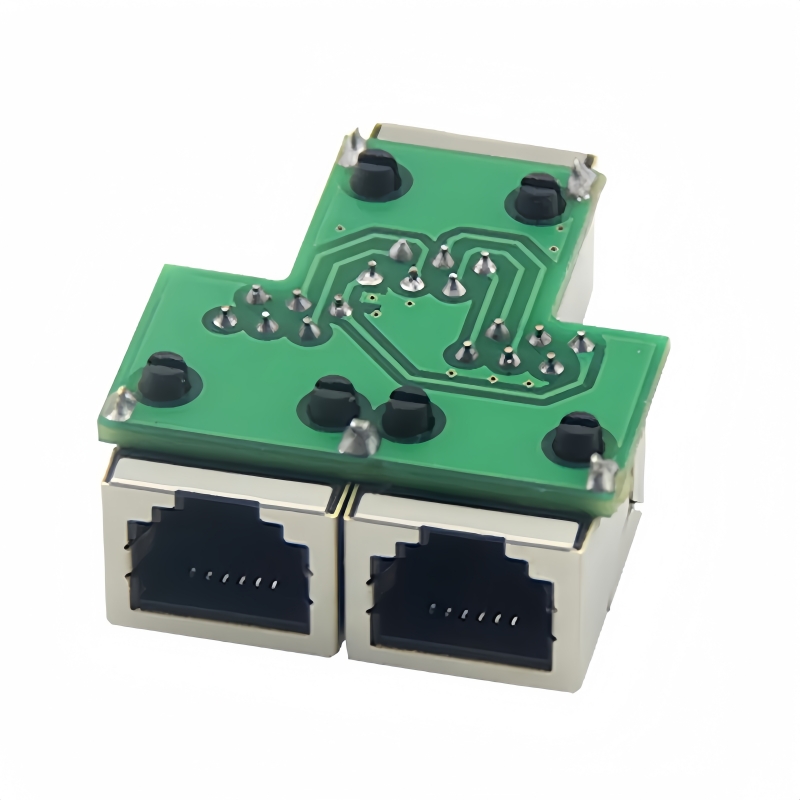
Enhance connectivity with the RJ11 Phone Jack Splitter - perfect for landline phones, fax machines, and ADSL modems. Reliable, surge-protected, and ideal for home, office, and industrial settings.(Scroll down to see user guide)
RJ11/RJ12 Telephone Line Splitter | 1-to-2 Female Socket with Surge Protection Professional-Grade Telephone Jack Splitter for Dual-Device Connectivity
The PINOWELL RJ11/RJ12 Splitter bridges a single telephone line to two devices, delivering reliable connectivity for home, office, and industrial applications. Engineered with surge protection and premium components, this splitter ensures stable performance for landline phones, fax machines, and ADSL modems.
Core Features
- Premium Construction:
- High-Density ABS Housing: Reinforced stress points resist physical damage.
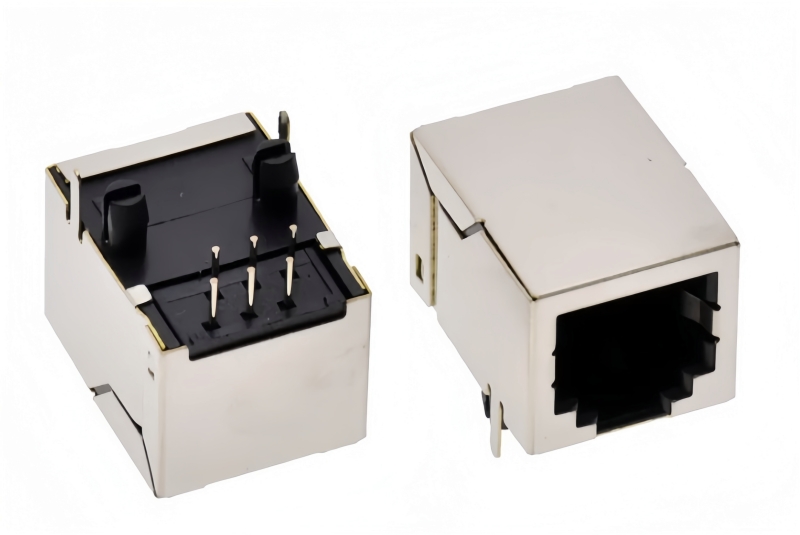
- Pure Copper 6P6C/6P4C Connectors: Zero signal attenuation for crystal-clear voice/data transmission.
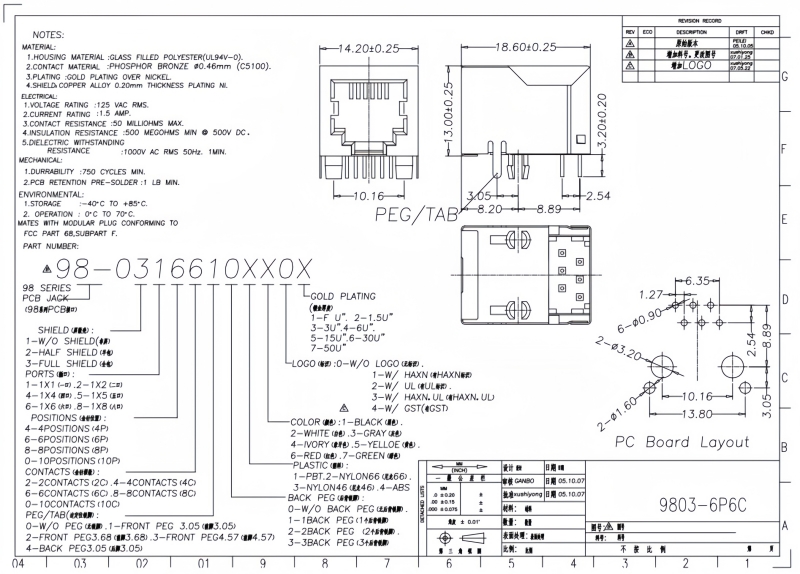
- Full Machine-Welded PCB: 30μ" gold-plated contacts ensure stable 16MHz bandwidth (Cat3 compliant).
- Dual-Device Support:
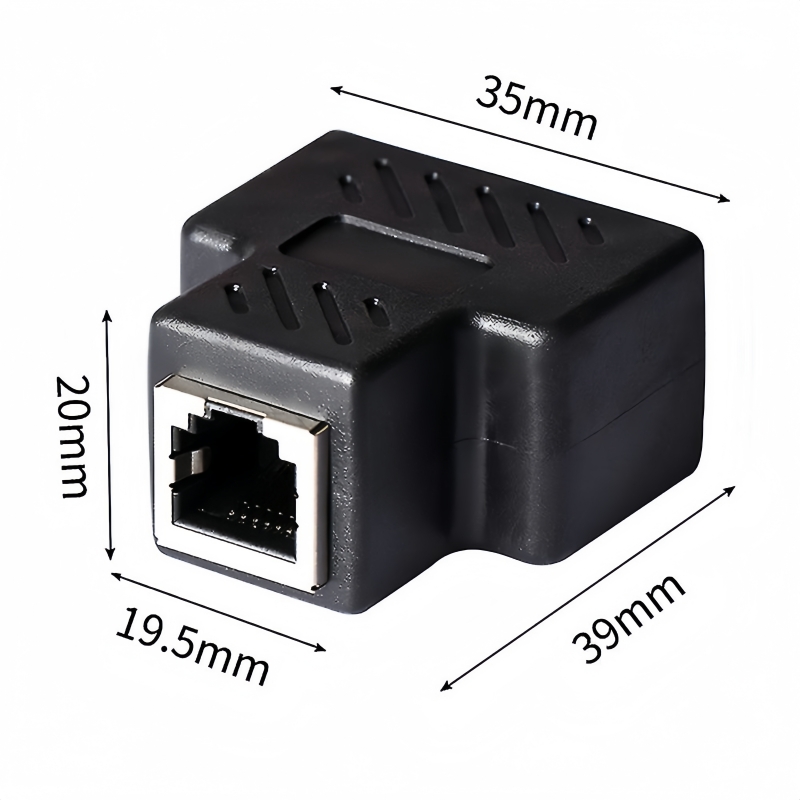
- 1 female IN ➔ 2 female OUT configuration.
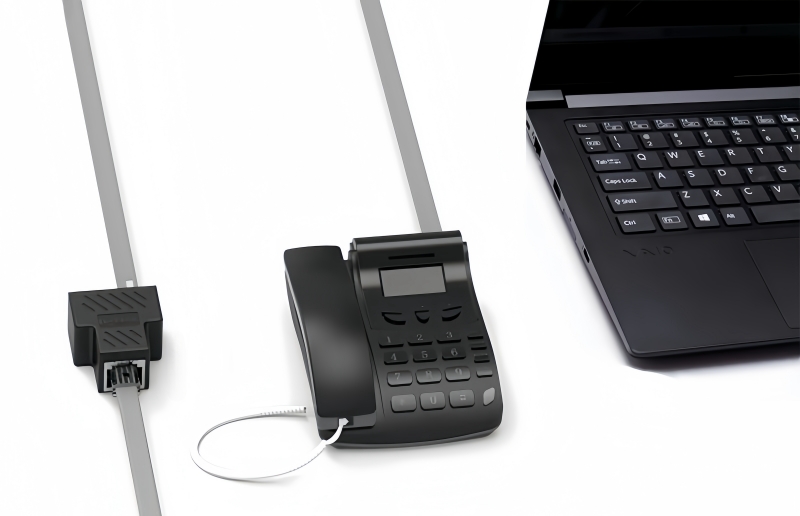
- Simultaneously connect telephones, fax machines, modems, or PBX systems.
- Advanced Protection:
- Surge Protection Circuitry: Safeguards against voltage spikes (48V line voltage handling).
- Spark-Proof Design: Prevents arcing during plugging/unplugging.
- Strain Relief: Durable connectors withstand 10,000+ cycles.
Technical Specifications
| Specification | Details |
|---|---|
| Interface | 1×RJ11/RJ12 (6P6C) IN ➔ 2×RJ11/RJ12 (6P6C) OUT |
| Bandwidth | 0–16MHz (Cat3 compliant) |
| Wire Gauge | 22–26 AWG compatible |
| Dimensions | 39×35×20mm (L×W×H) |
| Weight | 40g |
| Certifications | CE, FCC, RoHS |
Universal Compatibility
- PSTN Landline Phones
- Fax Machines
- ADSL Modems/Filters
- Credit Card Terminals
- Security Systems
- Lenovo PBX Devices
Applications
- Home Offices: Share a single phone line between a landline and fax machine.
- Retail Stores: Connect POS systems and security alarms.
- Hotels: Split lines for room phones and internet modems.
- Industrial Settings: Expand PBX networks without signal degradation.
Why Choose PINOWELL?
- Reliability: 10,000+ cycle durability tested for long-term use.
- Safety: Built-in surge protection exceeds industry standards.
- Flexibility: Supports RJ11/RJ12 (6P2C/6P4C/6P6C) standards.
Upgrade Your Telephone Network
The PINOWELL Splitter ensures seamless dual-device connectivity while protecting against electrical surges. Ideal for professionals and households demanding performance and safety.
The PINOWELL Splitter ensures seamless dual-device connectivity while protecting against electrical surges. Ideal for professionals and households demanding performance and safety.


Universal Compatibility:
✓ PSTN landline phones ✓ Fax machines
✓ ADSL filters ✓ Credit card terminals
✓ Security systems ✓ Lenovo PBX devices
How to Use the RJ11/RJ12 Telephone Line Splitter
Step 1: Hardware Connection
-
Input Side:
- Plug the single female RJ11/RJ12 (6P6C) connector into your existing telephone line jack (e.g., wall socket).
- Ensure a secure fit to avoid signal loss.
-
Output Sockets:
- Connect your devices (e.g., telephone, fax machine, modem) to the two female RJ11/RJ12 (6P6C) ports on the splitter.
- Use standard telephone cables (RJ11/RJ12) for connections.
Step 2: Verify Compatibility
- Device Types:
- Confirm your devices use RJ11/RJ12 connectors (6P2C, 6P4C, or 6P6C).
- Supports PSTN landline phones, fax machines, ADSL modems, PBX systems, etc.
- Voltage Check:
- Ensure the line voltage is 48V DC (standard for PSTN). High-voltage lines may damage the splitter.
Step 3: Test Connectivity
-
Call/Fax Test:
- Make a call or send a fax from one device to verify voice/data transmission.
- Test both output ports individually and simultaneously.
-
ADSL Modem Setup:
- If using an ADSL modem, connect it to one port and a phone to the other.
- Use a DSL filter (if required) to separate voice and data signals.
Step 4: Troubleshooting
- No Signal:
- Re-seat all connections and check cable integrity.
- Test with a different telephone cable.
- Interference:
- Ensure the splitter is away from power sources or EMI emitters (e.g., speakers).
- Use shielded cables for long-distance runs.
- Surge Protection Activation:
- If a voltage spike occurs, the internal circuitry will trip. Replace the splitter if damage is suspected.
Key Features in Action
| Feature | Function |
|---|---|
| Dual-Device Support | Connect two devices to one telephone line |
| Surge Protection | Safeguards against voltage spikes |
| Pure Copper Connectors | Zero signal loss for clear communication |
Safety Notes
- Power Off: Disconnect from the telephone line before modifying connections.
- Avoid Overloading: Do not connect more than two devices.
- Certifications: CE, FCC, RoHS compliant for safe use.
Keywords#RJ11/RJ12 Splitter, Telephone Line Splitter, Dual-Device Connectivity, Surge Protection, Cat3 Compliant, 6P6C Jacks, PBX System Expansion, ADSL Modem Compatibility, Spark-Proof Design, CE/FCC/RoHS Certified, Pure Copper Connectors, 16MHz Bandwidth, PSTN Landline Adapter,RJ11/RJ12 Splitter Setup, Telephone Line Splitter Guide, Surge Protection Usage, Dual-Device Telephone Connection, ADSL Modem Installation, PBX System Expansion, CE/FCC/RoHS Certified, Pure Copper Connectors, Cat3 Bandwidth, PSTN Landline Splitting