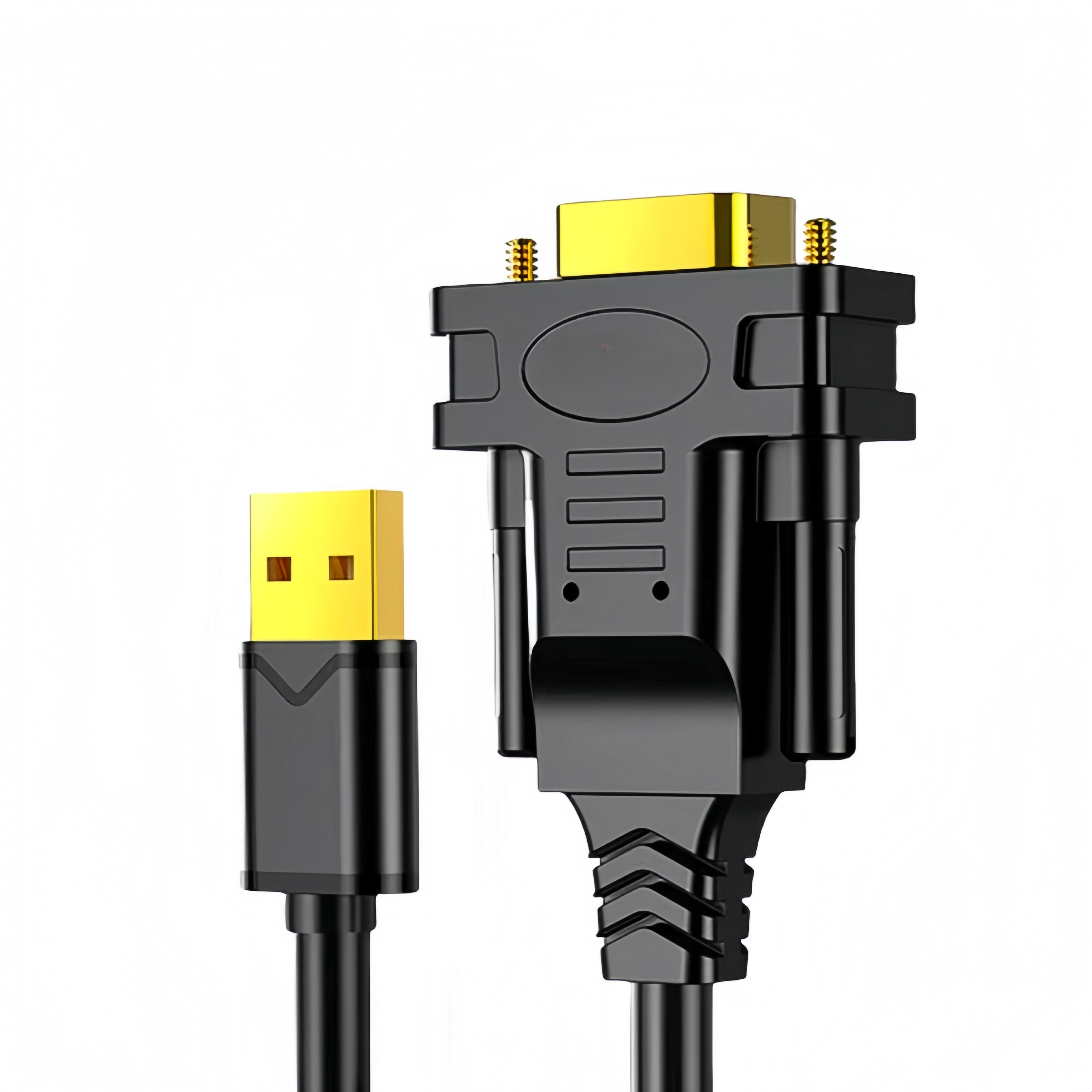
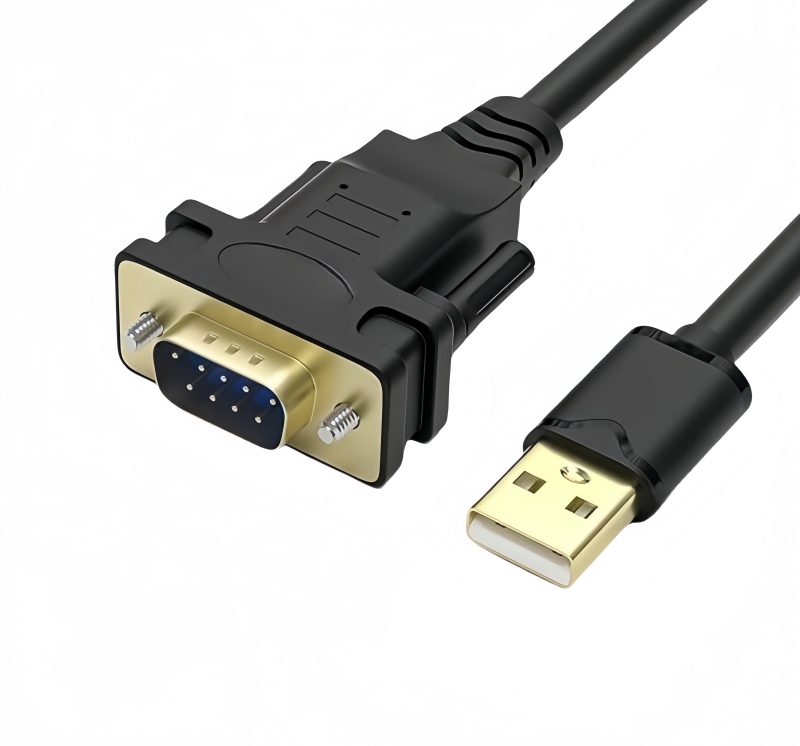
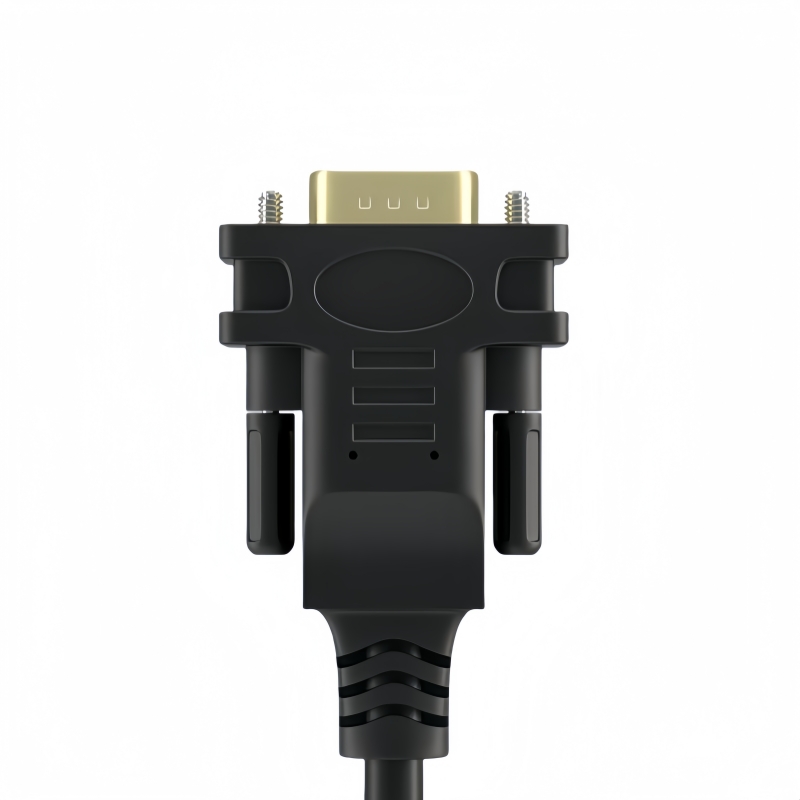
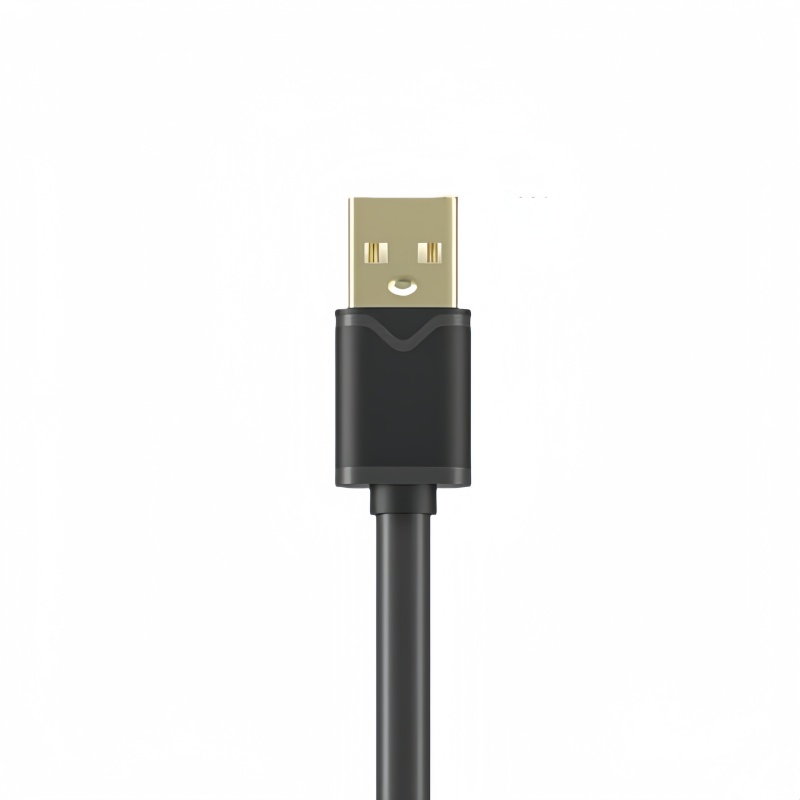
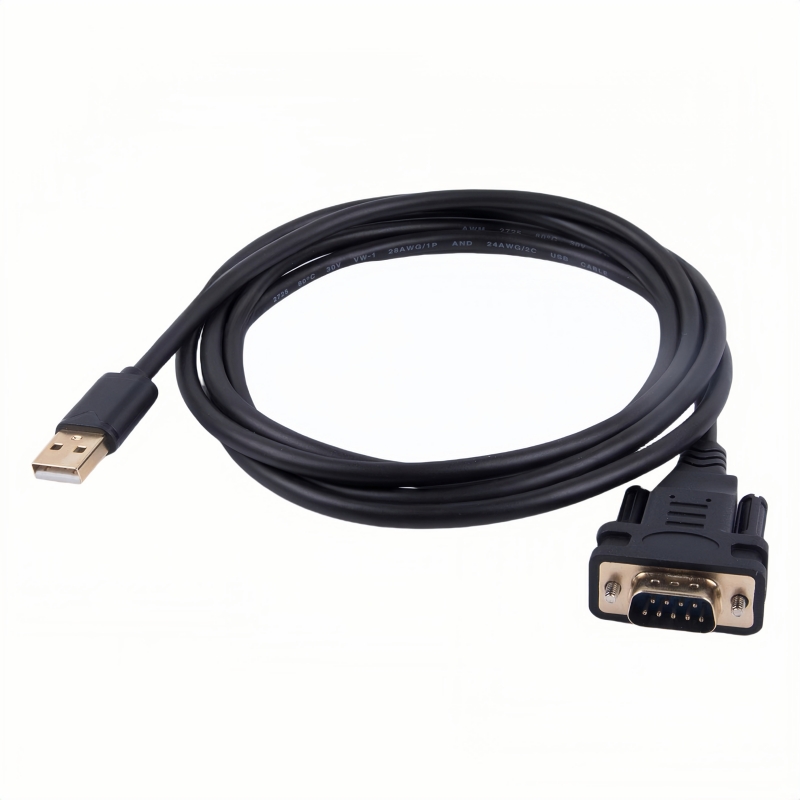
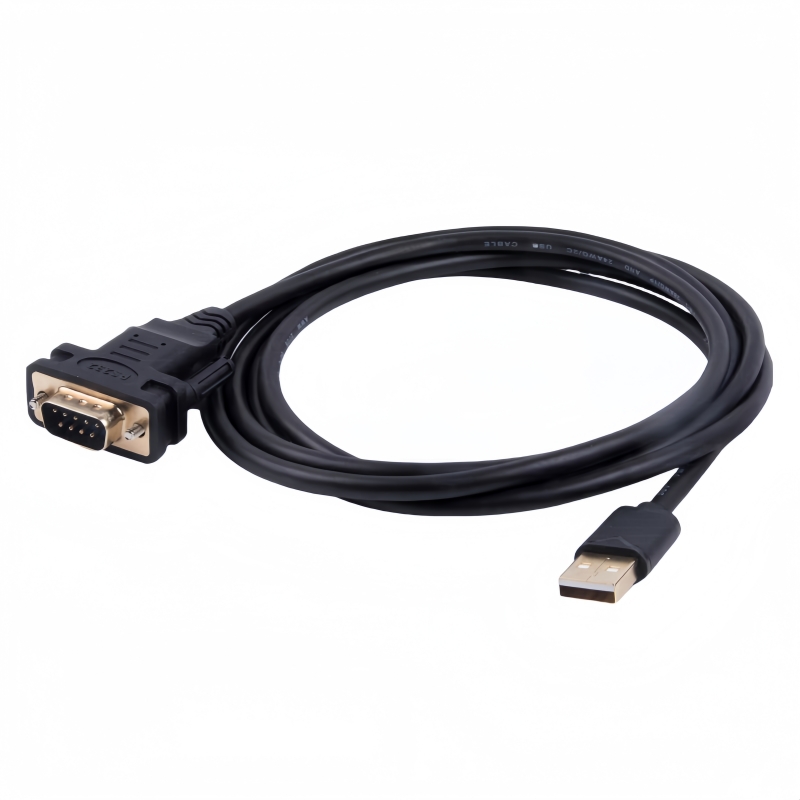
Get seamless connectivity with the USB to Serial RS232 Cable. Connect your DB9 equipped devices like PCs, routers, GPS, and more via USB for high-speed data transfer up to 1Mbps!(Scroll down to see user guide)
USB to RS232 Converter Cable | FTDI FT232R+ZT213 USB 2.0 to DB9 Male Serial Adapter
Next-Gen Serial Connectivity for Modern Workflows
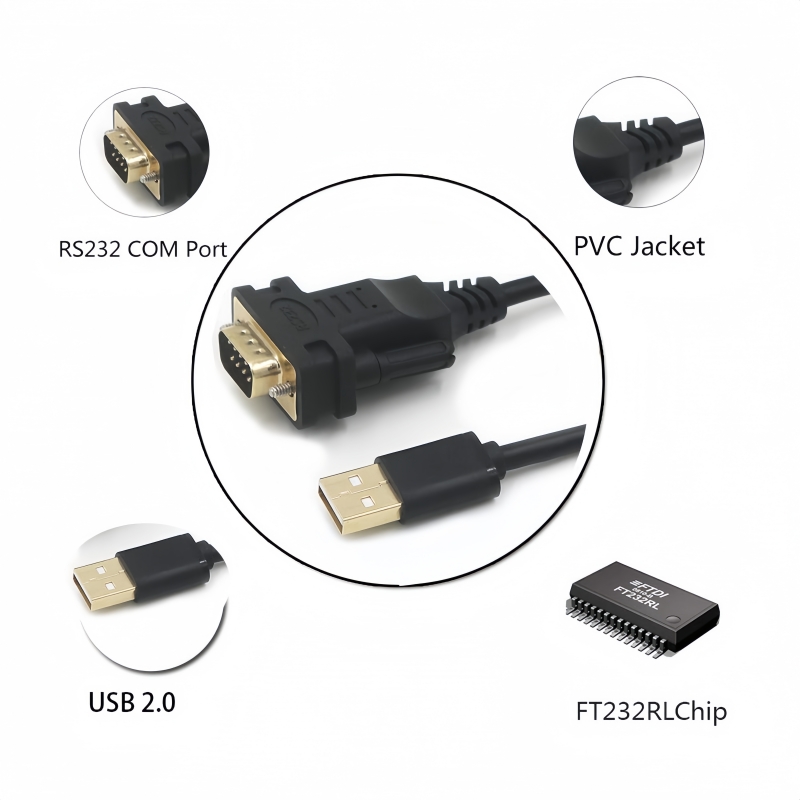
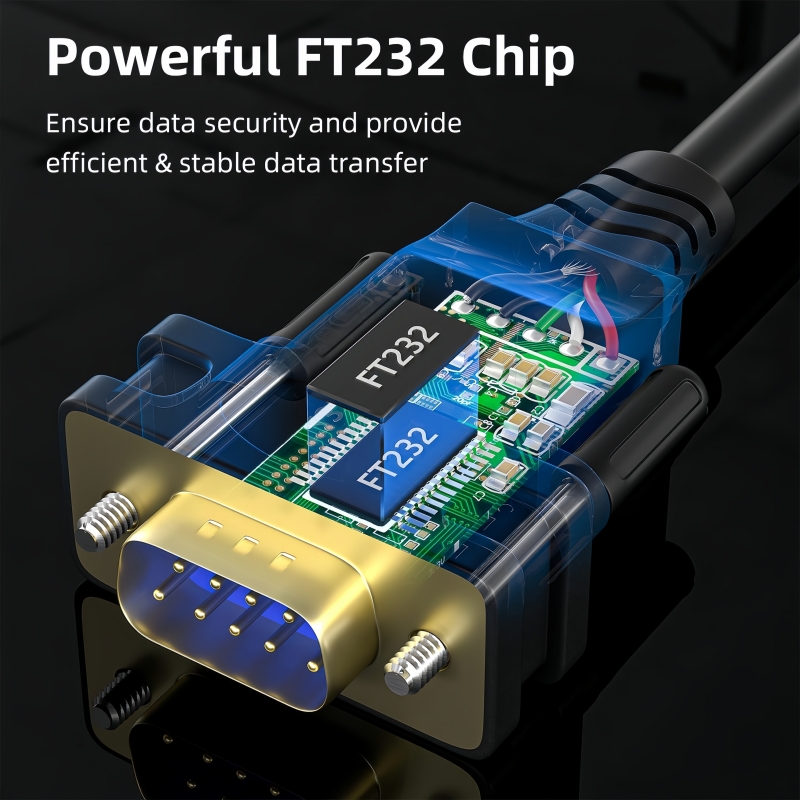
The PINOWELL USB to RS232 Converter Cable bridges USB 2.0 ports with legacy RS232 devices, delivering seamless data transfer and universal compatibility for professional applications. Engineered with FTDI’s premium FT232R+ZT213 chipset, this cable ensures stable performance in industrial, medical, and commercial environments.
Core Features
- FTDI FT232R+ZT213 Chipset:
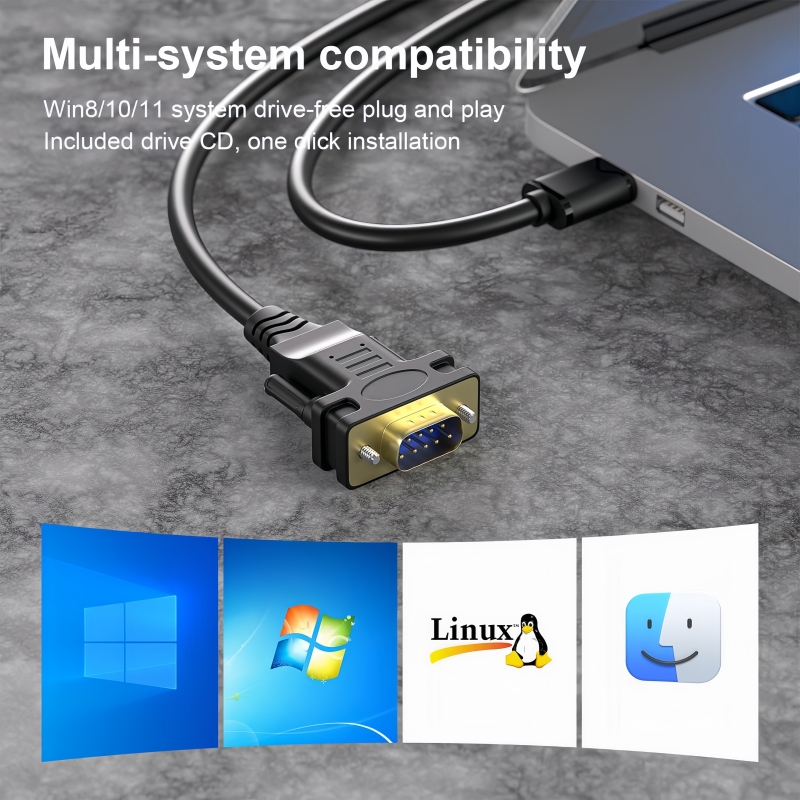
- Driver-Free Operation: Auto-installs on Windows 10/8.1/8/7/Vista/XP, macOS, and Linux.
- 1Mbps Data Rate: Supports high-speed serial communication for fast synchronization.
- Dual-Shielding Technology:
- AL Foil + Braided Mesh: Minimizes EMI/RFI interference for noise-free transmission.
- Transparent PVC Jacket: Durable yet flexible design for long-term use.
- Plug-and-Play Convenience:
- No external power required—powered via USB.
- COM port auto-creation with customizable baud rates (300bps–1Mbps).
- Gold-Plated Connectors:
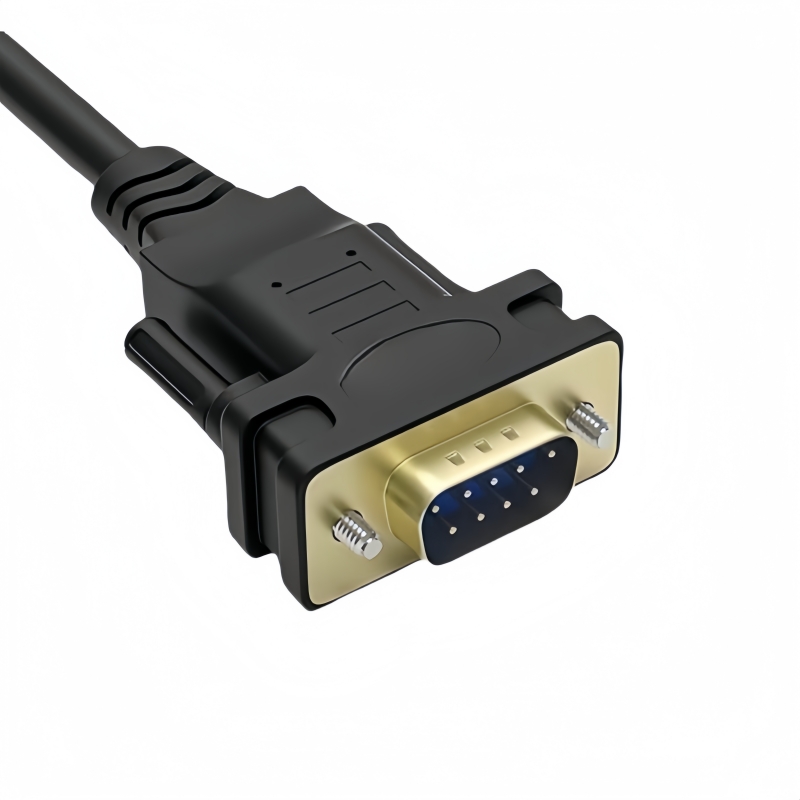
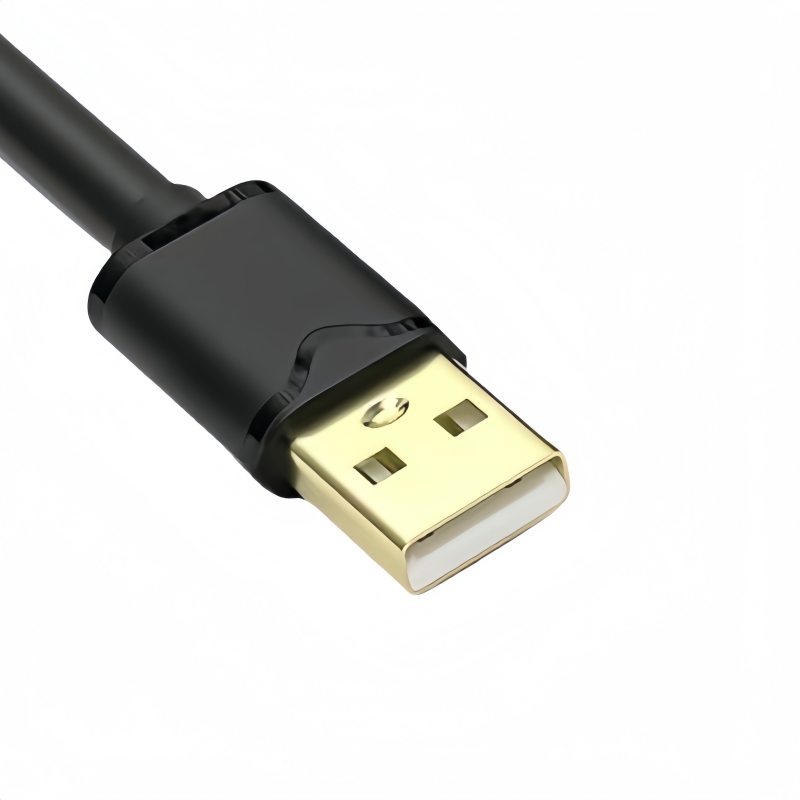
- USB Type-A Male and DB9 Male connectors resist corrosion for secure connections.
Technical Specifications
| Specification |
Details |
| Interface |
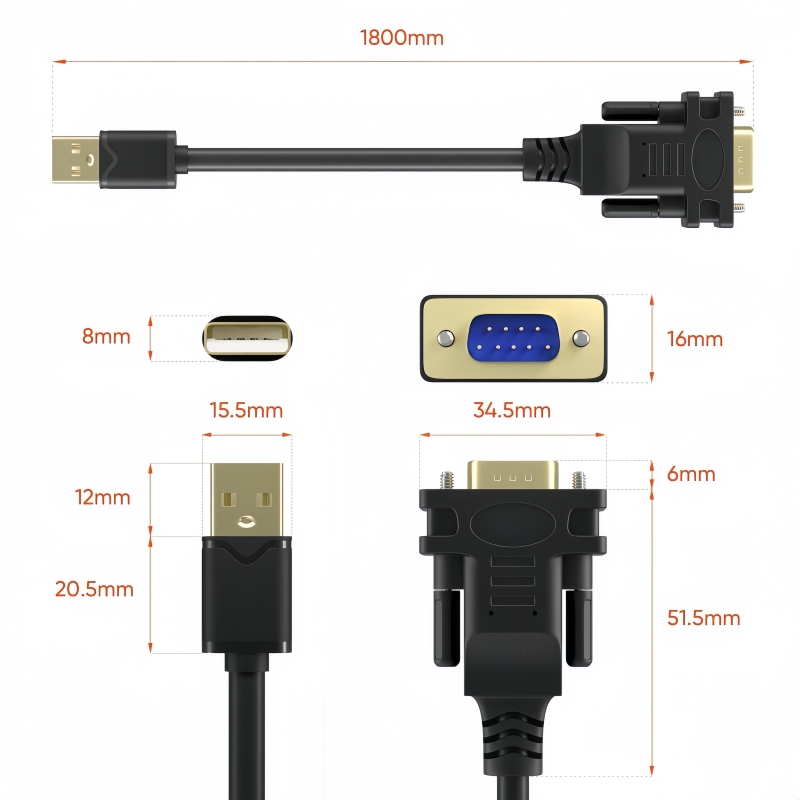
USB 2.0 Type-A Male to DB9 Male (RS232) |
| Data Rate |
Up to 1Mbps |
| Cable Length |
6ft/1.8M (custom lengths available) |
| Voltage |
5V DC (USB-powered) |
| Certifications |
CE, FCC, RoHS |
Applications
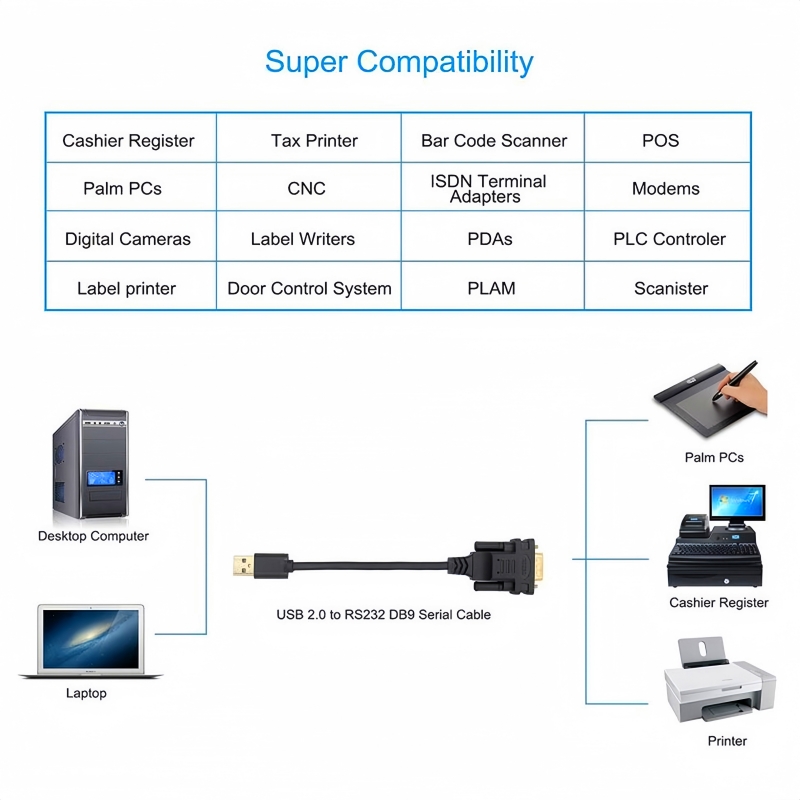
- Industrial Automation:
- PLC programming, sensor integration, and CNC machine control.
- Medical Technology:
- ECG machines, lab equipment, and patient monitoring systems.
- POS & Retail:
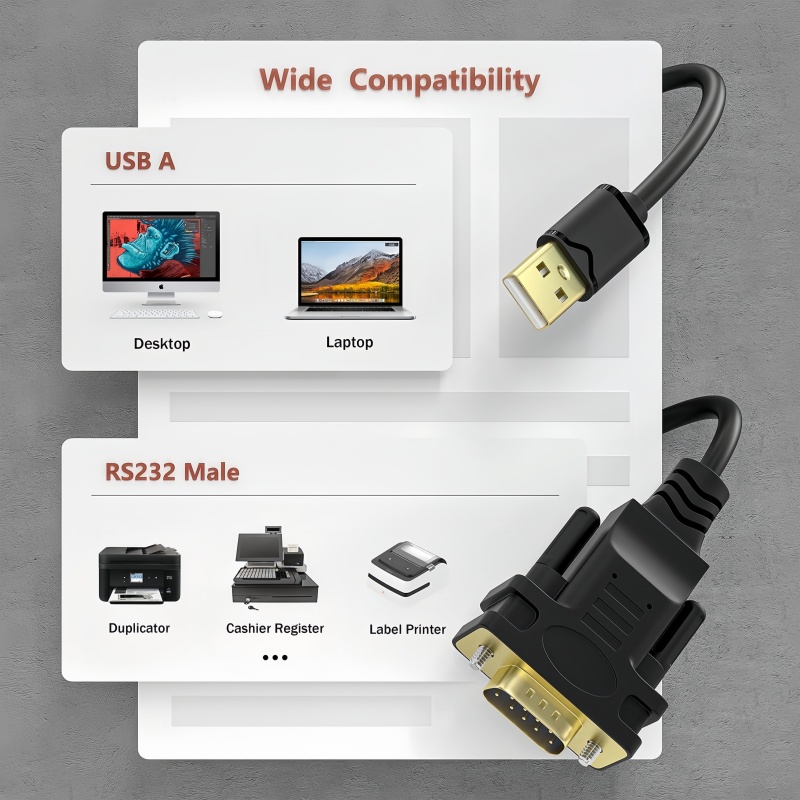
- Barcode scanners, receipt printers, and cash registers.
- Network Infrastructure:
- Cisco router configuration via console ports.
- Consumer Electronics:
- Digital cameras, PDAs, and GPS units.
Why Choose PINOWELL?
- Reliability: FTDI’s industry-leading chipset ensures 99.9% compatibility with global RS232 devices.
- Performance: Maintains 1Mbps speeds even in EMI-prone environments.
- Support: 24/7 technical assistance and firmware updates for long-term reliability.
Upgrade Your Connectivity
Transform USB ports into high-performance RS232 interfaces with the PINOWELL Converter—designed for speed, security, and scalability.
![High Quality FTDI USB to RS232 Serial DB9 Converter Cable]()
![USB to RS232 Serial Adapter Cable with FTDI Chipset]()
![Wide Compatibility of FTDI USB to RS232 Converter Cable]()
![Industrial Application of USB to RS232 Adapter Cable]()
![Gold-plated USB A to DB9 Male Serial Adapter Cable]()
![Versatile FTDI USB to RS232 Serial Converter]()
![How to use the USB to RS232 Serial Adapter Cable]()
How to Use the USB to Serial RS232 Cable FTDI USB to DB9 Serial Converter (FTDI FT232R+ZT213) – LED-Free Version
-
USB Connection:
- Plug the USB Type-A Male connector into your computer, laptop, or USB hub.
- Ensure the cable is fully inserted for a secure connection.
-
RS232 Device Connection:
- Attach the DB9 Male connector to your RS232-equipped device (e.g., router, barcode scanner, PLC).
- Align the pins carefully and secure with the locking screws (if present).
- Plug-and-Play:
- Windows 10/8.1/8/7/Vista/XP: Drivers auto-install via Windows Update. Check Device Manager > Ports (COM & LPT) for the assigned port (e.g.,
COM3).
- macOS: Drivers auto-install. Verify via System Information > USB.
- Linux: Drivers are pre-installed (check
/dev/ttyUSB0).
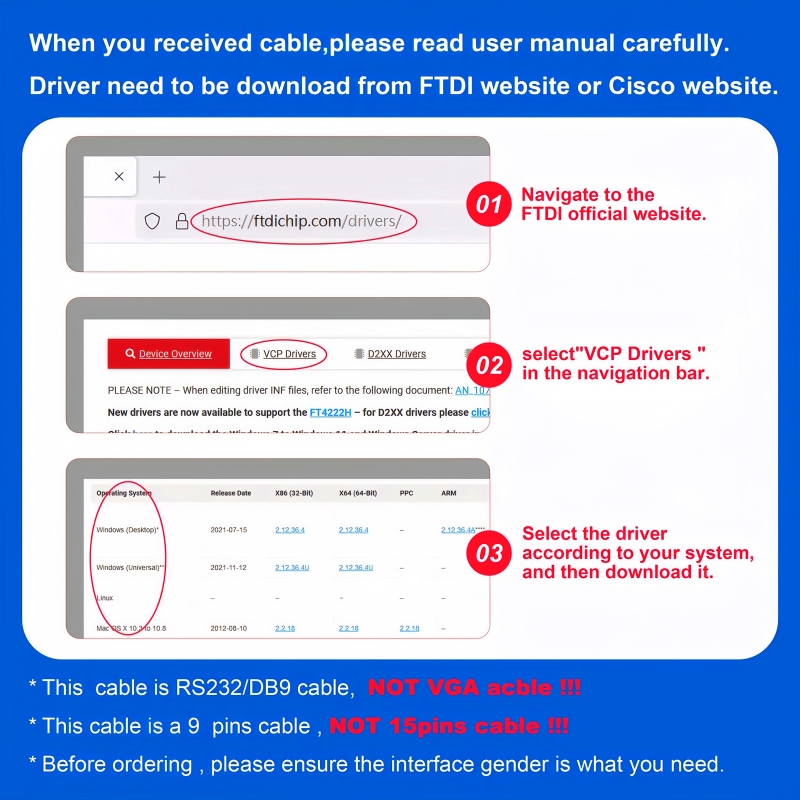
- Manual Driver Download (if needed):
-
Choose a Terminal Emulator:
- Windows: PuTTY, Tera Term.
- macOS: CoolTerm, ZTerm.
- Linux: Minicom, Screen.
-
Set Serial Parameters:
- Baud Rate: Match your device’s settings (e.g., 9600, 115200).
- Data Bits: 8.
- Stop Bits: 1.
- Parity: None.
- Flow Control: None.
-
Open the Port:
- Select the COM port or device path (e.g.,
/dev/ttyUSB0).
-
Verify Port Assignment:
- Confirm the converter appears in Device Manager (Windows) or
/dev (macOS/Linux).
-
Send/Receive Data:
- Use the terminal software to send commands (e.g., AT commands for modems).
- Check for responses from your RS232 device (e.g., data logs, device status updates).
-
Loopback Test (Optional):
- Short TX and RX pins on the DB9 connector to test the converter’s internal communication.
- Send data and verify it echoes back in the terminal.
- No Signal:
- Re-seat all connections.
- Test with a different USB port or cable.
- Driver Issues:
- Reinstall drivers for macOS/Linux.
- On Windows, update drivers via Device Manager.
- Incorrect Baud Rate:
- Check the device’s documentation for correct baud rate settings.
| Feature |
Function |
| FTDI FT232R+ZT213 Chipset |
Enables 1Mbps data transfer and driver-free use |
| Dual-Shielding |
Reduces EMI/RFI interference for stable connections |
| Gold-Plated Connectors |
Ensures corrosion-resistant, low-resistance connections |
- Power Off: Disconnect devices before modifying connections.
- Voltage Limits: The cable draws power from USB (5V DC). High-power devices may require external power.
- EMI Protection: Use shielded cables in noisy environments.
keywords#USB to RS232 Converter, FTDI FT232R+ZT213, DB9 Male, 1Mbps Data Rate, Gold-Plated Connectors, Plug-and-Play, CE/FCC/RoHS, Industrial Automation, Medical Device Connectivity, POS Systems, EMI Shielding, Cisco Router Configuration, GPS Module Integration, Digital Camera Sync, PDA Programming,USB to RS232 Setup (LED-Free), FTDI FT232R+ZT213 Driver, DB9 Male Connection, 1Mbps Baud Rate, Plug-and-Play, Windows/Mac/Linux Compatibility, CE/FCC/RoHS Certified, Industrial Serial Converter, Loopback Test, EMI Shielding Benefits, No LED Indicators