
.jpeg?w=800&h=800)
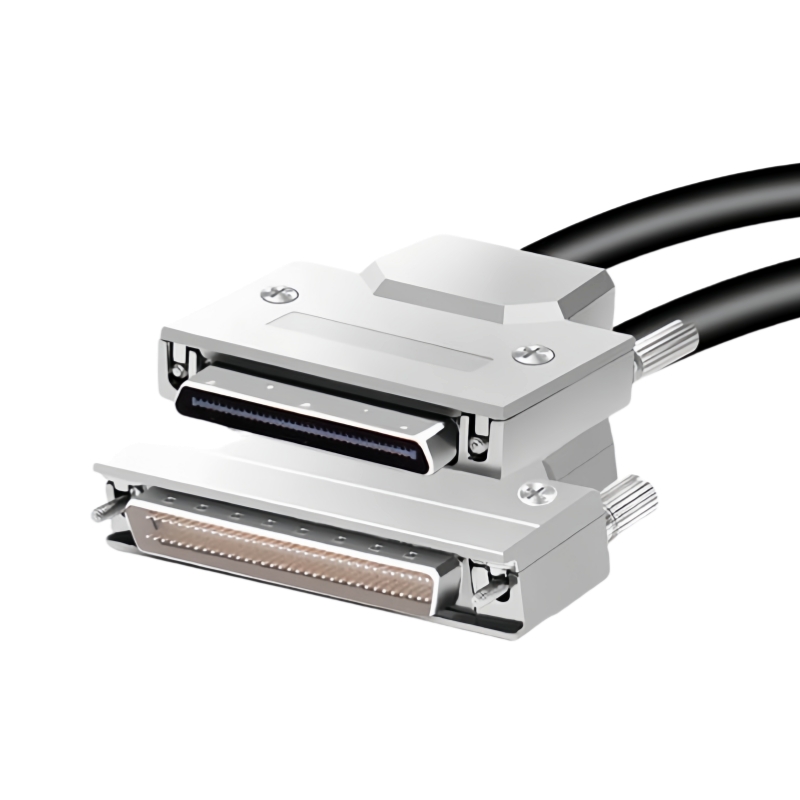
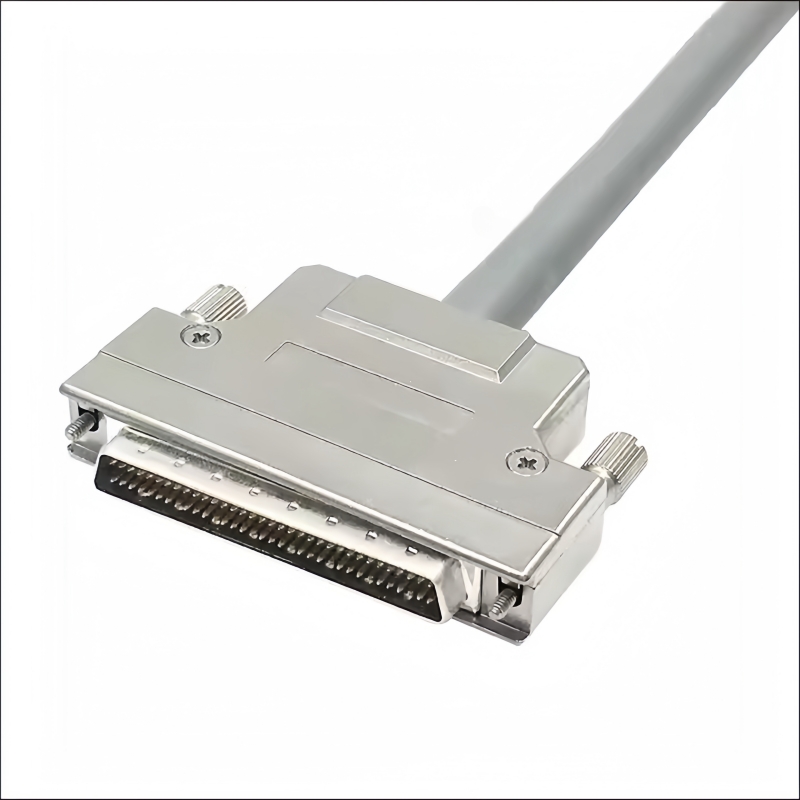
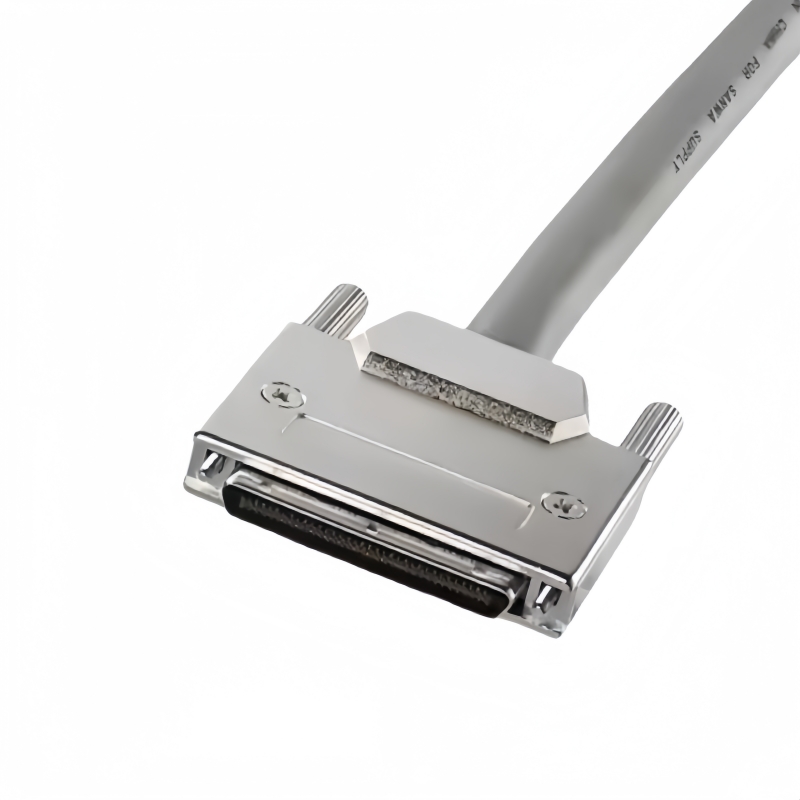
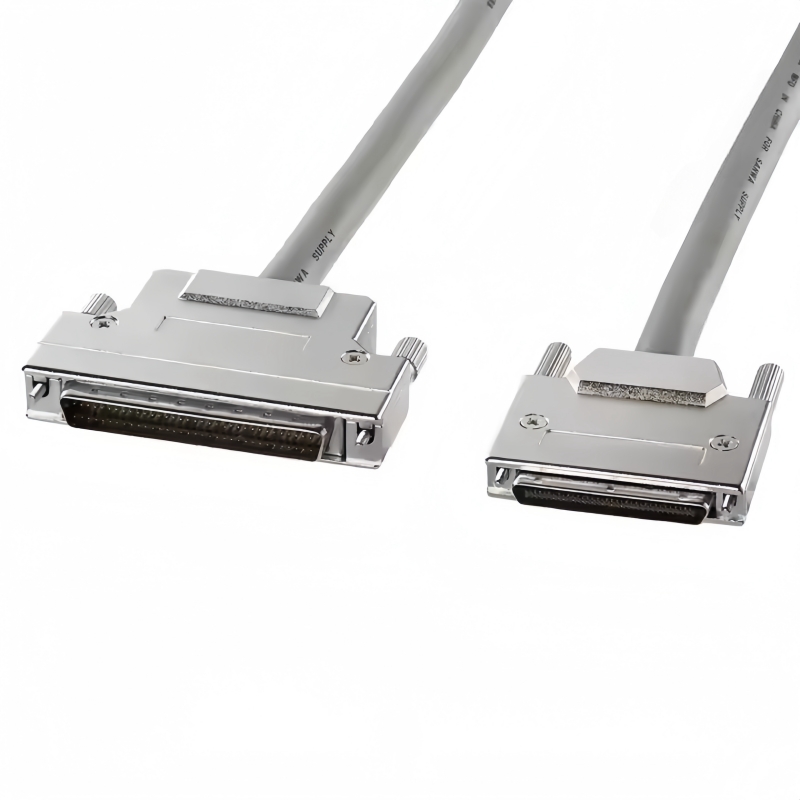
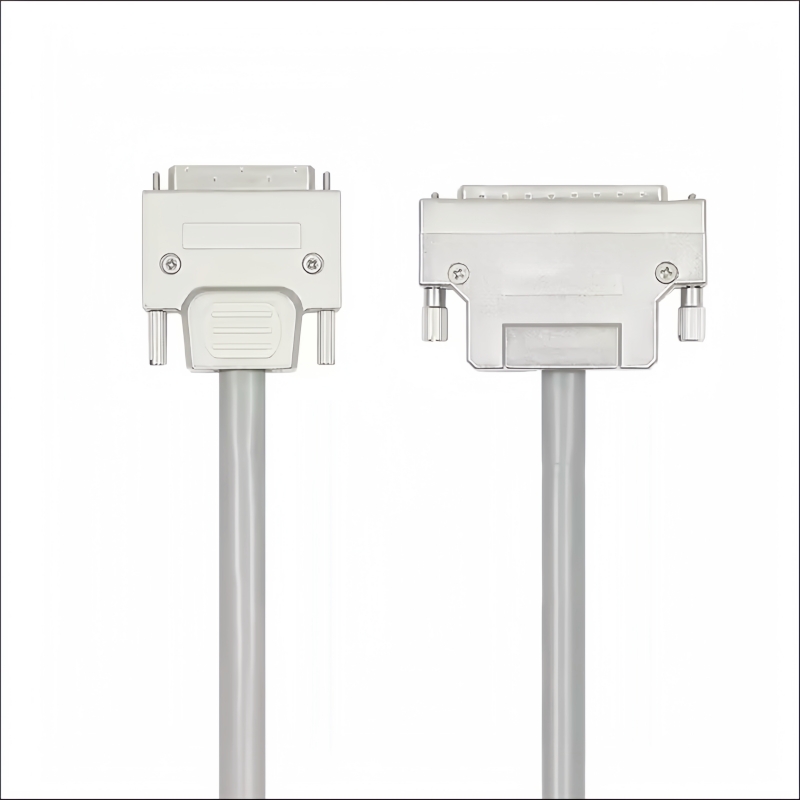
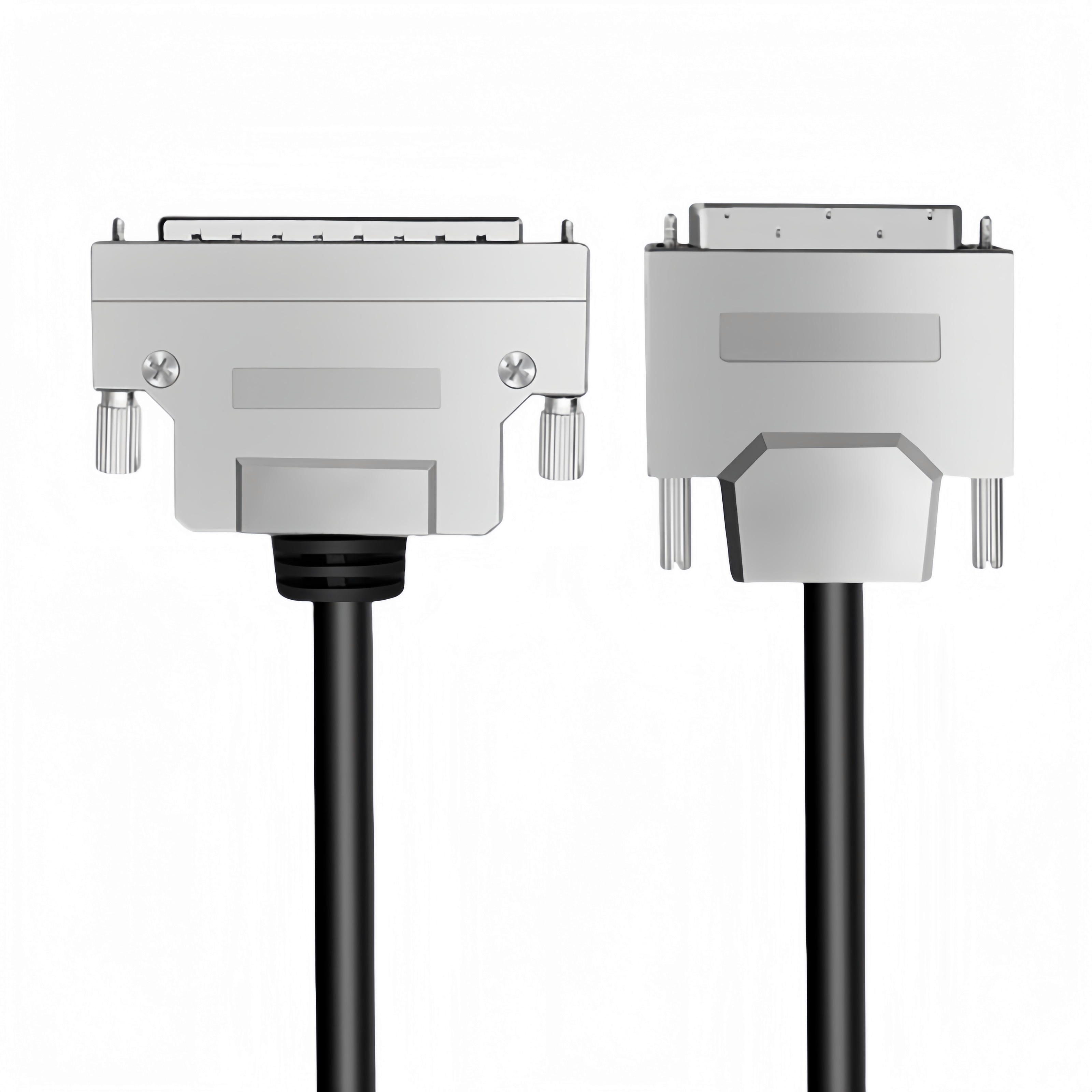
Enhance your legacy systems with our VHDCI to HPDB SCSI Cable 68P Male to Male Screw Latch Cable. Enjoy SCSI-2 & SCSI-3 compatibility, secure connections, and more! Elevate your connectivity now!(Scroll down to see user guide)
- Dual High-Density Connectors:
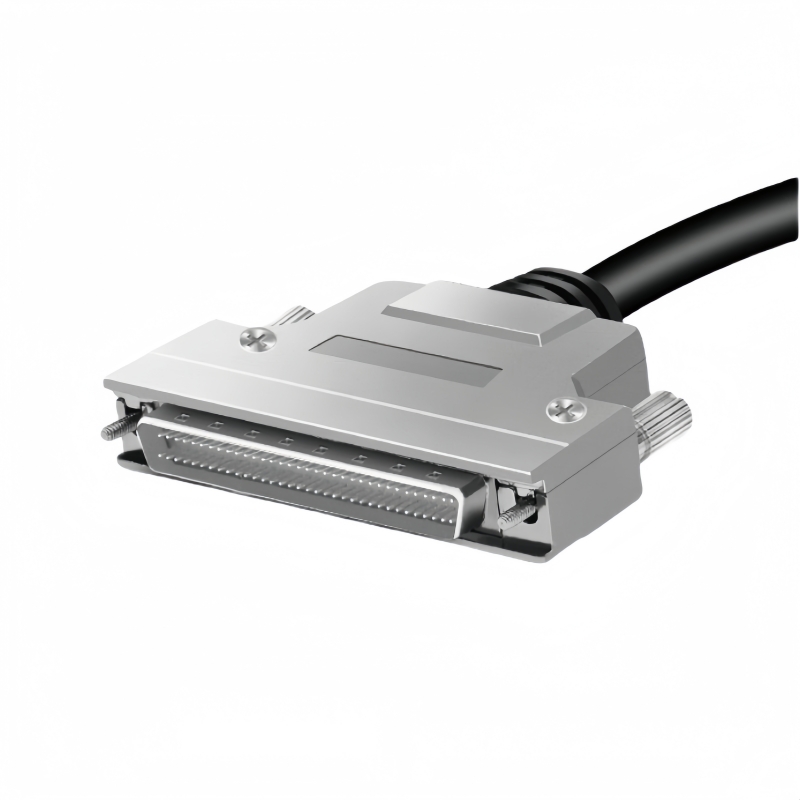
- HPDB 68-Pin Male (DB68): Supports SCSI-2 standards for legacy servers, RAID arrays, and storage devices.
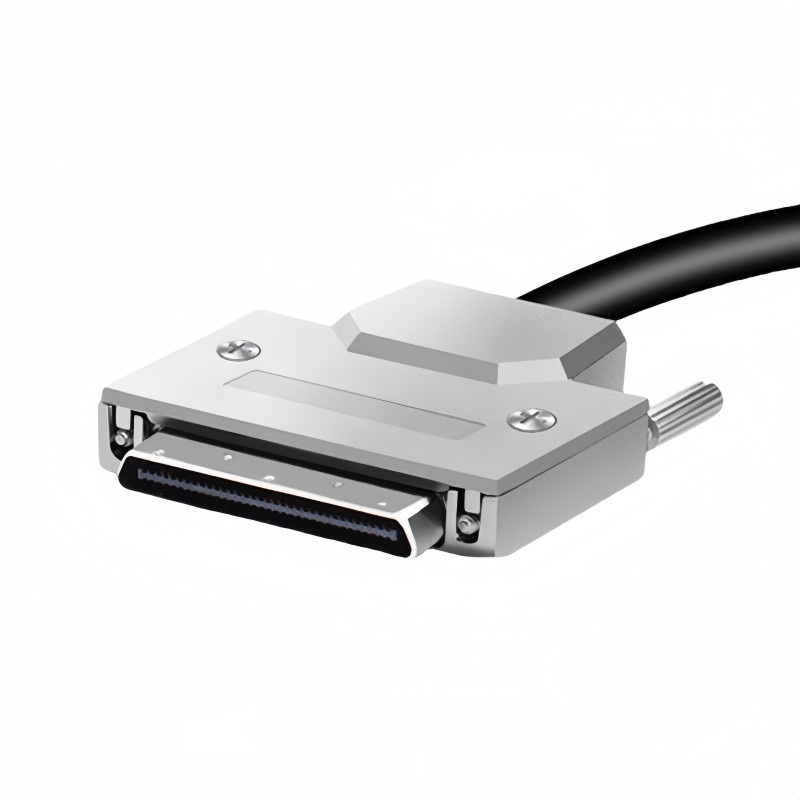
- VHDCI 68-Pin Male: Compact design for SCSI-3/Ultra320 compatibility in high-density setups.
- Screw-Latch Mechanism: Prevents accidental disconnections in vibration-prone industrial settings.
- Enhanced Signal Integrity:
- Dual-Layer Shielding: AL foil + braided mesh minimizes EMI/RFI interference for noise-free transmission.
- 110Ω Impedance Matching: Optimized for Fast-20 (20 MHz) and Ultra SCSI (40 MHz) modes, supporting up to 160 MB/s throughput.
- Industrial-Grade Durability:
- 28 AWG Twisted-Pair Copper: Flexible yet robust construction for long-term use.
- -20°C to +80°C Operating Range: Withstands extreme temperatures in data centers and factory floors.
| Specification | Details |
|---|---|
| Interface | VHDCI 68P Male ➔ HPDB 68P Male |
| Cable Length | 0.5M–5M (custom lengths available) |
| Bandwidth | Up to 160 MB/s (Ultra Wide) |
| Certifications | UL, RoHS, ANSI X3T10/SPI-2 |
| Impedance | 110Ω ±10% |
- Legacy System Modernization:
- Connect HPDB-based RAID controllers to VHDCI host adapters in servers.
- Data Centers:
- High-density server racks requiring stable SCSI connectivity for storage arrays.
- Industrial Automation:
- Motion control systems, CNC machines, and robotic arms in factory environments.
- Medical Equipment:
- Imaging systems and diagnostic devices requiring reliable SCSI data transfer.
- Reliability: Factory-tested for continuity, impedance, and shielding integrity.
- Compatibility: Supports SCSI-2, SCSI-3, Ultra320, and Wide SCSI standards.
- Customization: OEM/ODM options for connector angles, shielding types, and cable lengths.
The PINOWELL VHDCI to HPDB Cable ensures seamless coexistence of legacy and modern systems. Perfect for professionals demanding speed, security, and scalability in mission-critical environments.
Step 1: Hardware Setup
-
Connector Identification:
- VHDCI 68P Male: Connect to modern SCSI-3/Ultra320 devices (e.g., host adapters, RAID controllers).
- HPDB 68P Male: Connect to legacy SCSI-2 systems (e.g., older servers, storage arrays).
-
Physical Connection:
- Align the connectors with the device ports and push until they click.
- Secure with the screw-latch mechanism to prevent accidental disconnections.
Step 2: Driver Installation
- SCSI Controller Drivers:
- Install drivers for your SCSI host adapter (e.g., LSI, Adaptec) from the manufacturer’s website.
- Windows: Use Device Manager > SCSI and RAID Controllers to verify driver installation.
- Legacy Device Drivers:
- Ensure legacy devices (e.g., tape drives) have compatible drivers for your OS.
Step 3: Configure SCSI Parameters
-
Assign SCSI IDs:
- Set unique IDs (0–15) for each device using jumpers or software tools.
- ID 7 is typically reserved for the host adapter.
-
Termination:
- Enable termination on the last device in the SCSI chain:
- For internal cables: Use built-in termination.
- For external cables: Install a terminator plug.
- Enable termination on the last device in the SCSI chain:
Step 4: Test Connectivity
-
Device Recognition:
- Check Device Manager (Windows) or System Profiler (macOS) for detected SCSI devices.
- Linux: Use
ls /dev/sg*to list SCSI devices.
-
Data Transfer Test:
- Use tools like CrystalDiskMark to benchmark read/write speeds.
- Transfer large files to verify throughput (e.g., 160 MB/s for Ultra Wide SCSI).
Step 5: Troubleshooting
- No Signal:
- Re-seat connectors and check screw latches.
- Test with a different cable or port.
- Driver Issues:
- Update drivers via Device Manager or manufacturer’s site.
- Ensure OS compatibility (e.g., Windows Server 2019, Linux RHEL).
- Slow Performance:
- Verify SCSI mode (e.g., Ultra320) matches device capabilities.
- Check for EMI interference (use shielded cables in noisy environments).
Key Features in Action
| Feature | Function |
|---|---|
| Screw-Latch Connectors | Prevent vibrations from loosening connections |
| Dual-Layer Shielding | Reduce EMI/RFI for stable 160 MB/s transfers |
| Custom Lengths | Adapt to tight spaces in data centers or racks |
Safety Notes
- Power Off: Disconnect devices from power before modifying connections.
- Temperature Range: Operate within -20°C to +80°C for optimal performance.
- Termination: Always terminate the SCSI chain to avoid signal reflections.
Keywords#VHDCI to HPDB SCSI Cable, 68P Male to Male, Screw Latch Connectors, SCSI-2/SCSI-3 Compatibility, 160 MB/s Throughput, Dual-Layer Shielding, Industrial-Grade, UL/RoHS Certified, Legacy System Integration, Data Center Connectivity, Motion Control Systems, Medical Equipment, EMI/RFI Protection, Custom Cable Lengths,VHDCI to HPDB Setup, SCSI Cable Installation, SCSI ID Configuration, Termination Guide, SCSI-2/SCSI-3 Compatibility, 160 MB/s Throughput, EMI Shielding, Industrial-Grade SCSI, UL/RoHS Certified, Legacy System Integration, Data Center Connectivity, Motion Control Systems, Medical Equipment Troubleshooting